Step-By-Step-Guide
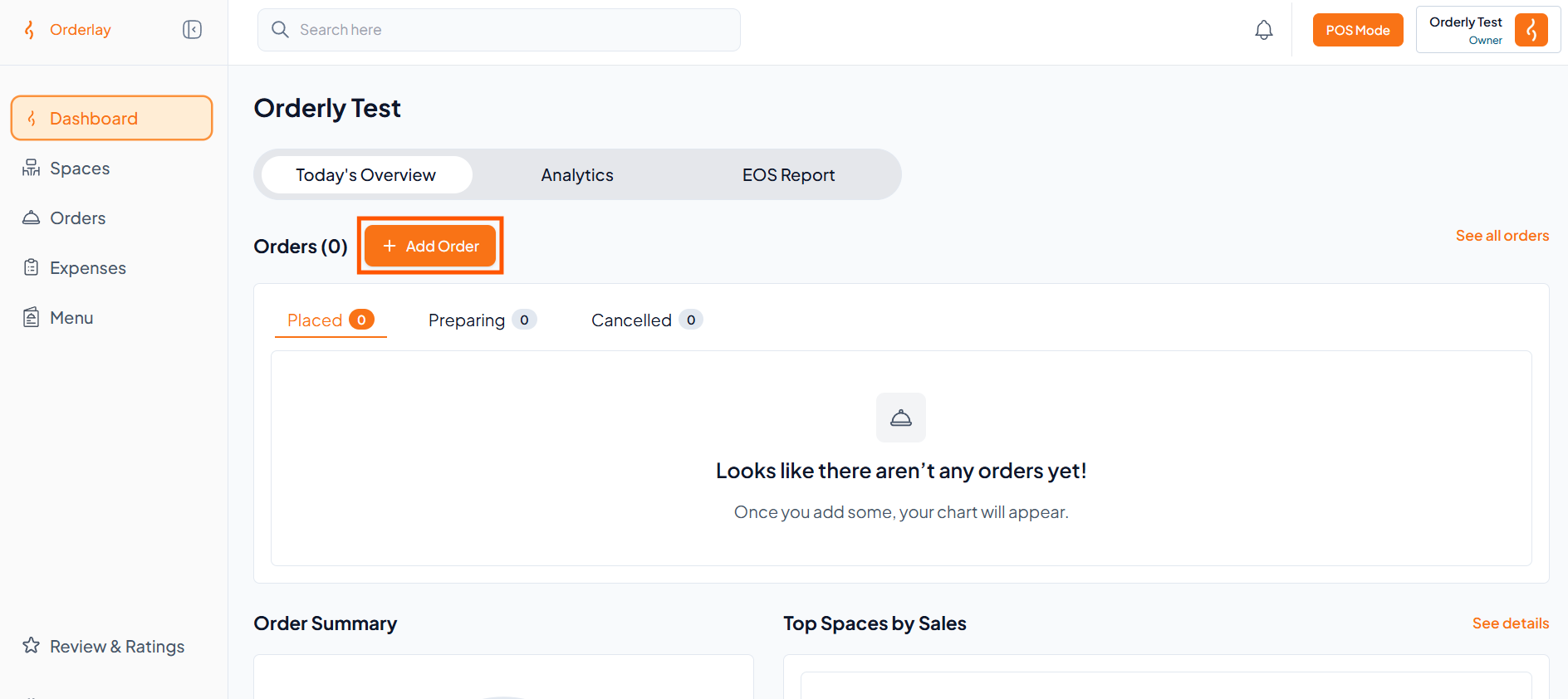
Step 1: Start a New Order
On the Home screen, tap "+ Add Order".
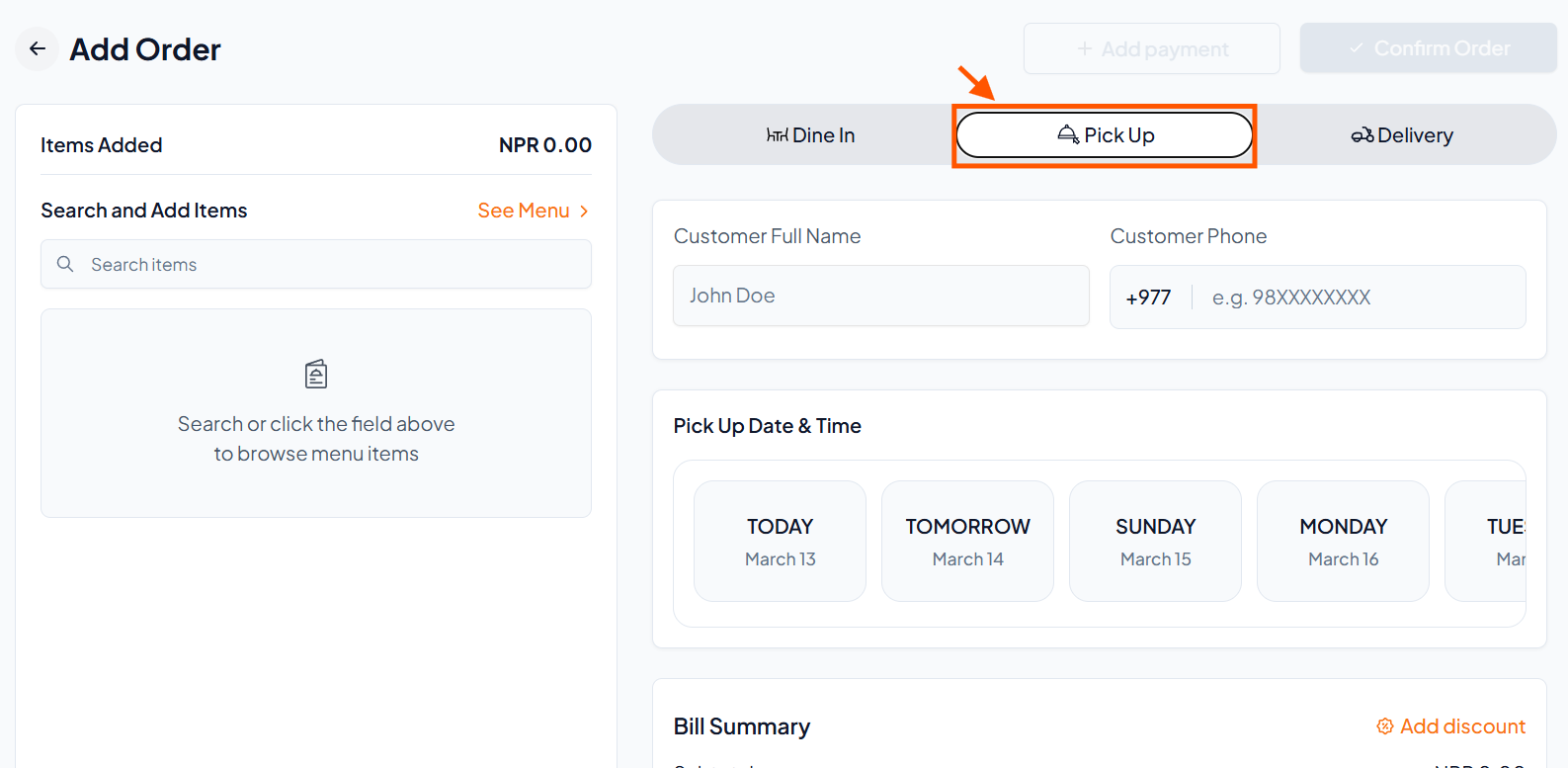
Step 2: Select "Pick Up"
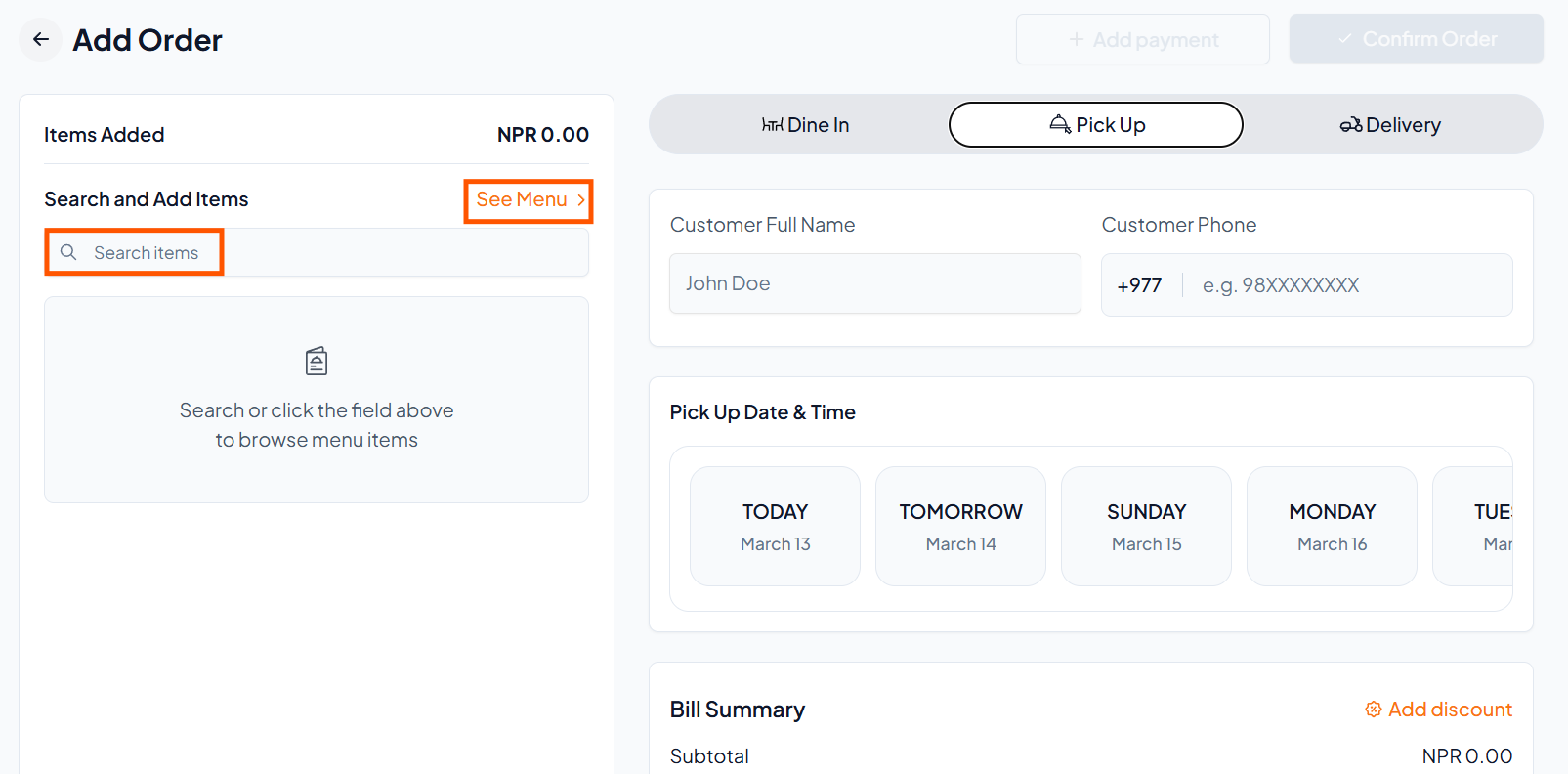
Step 3: Tap "Search Items" or "See Menu" to add items.
Step 4: Add Menu Items
Select the items you want to add.
Tap Add-Ons to add extras (e.g., cheese) if needed.
Add special instructions if required.
Repeat the process for all items.
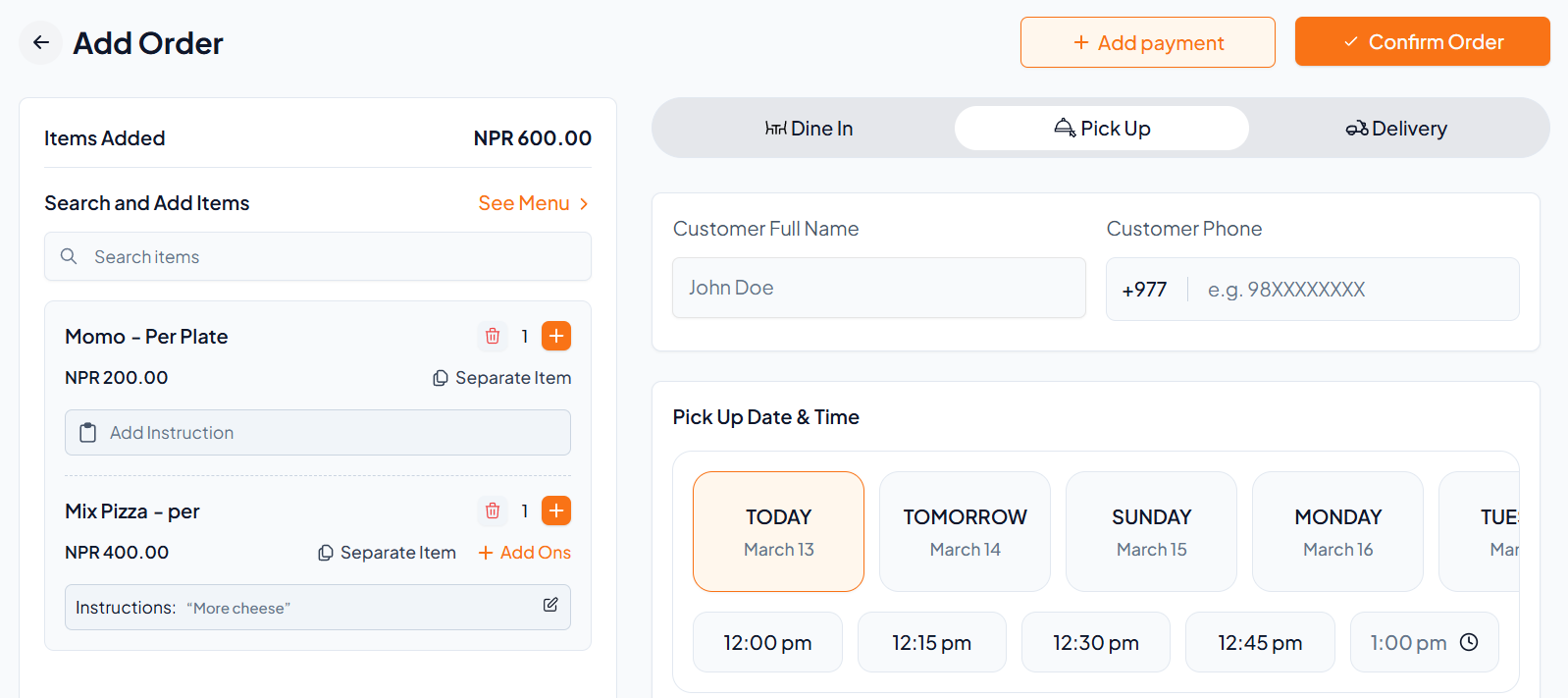
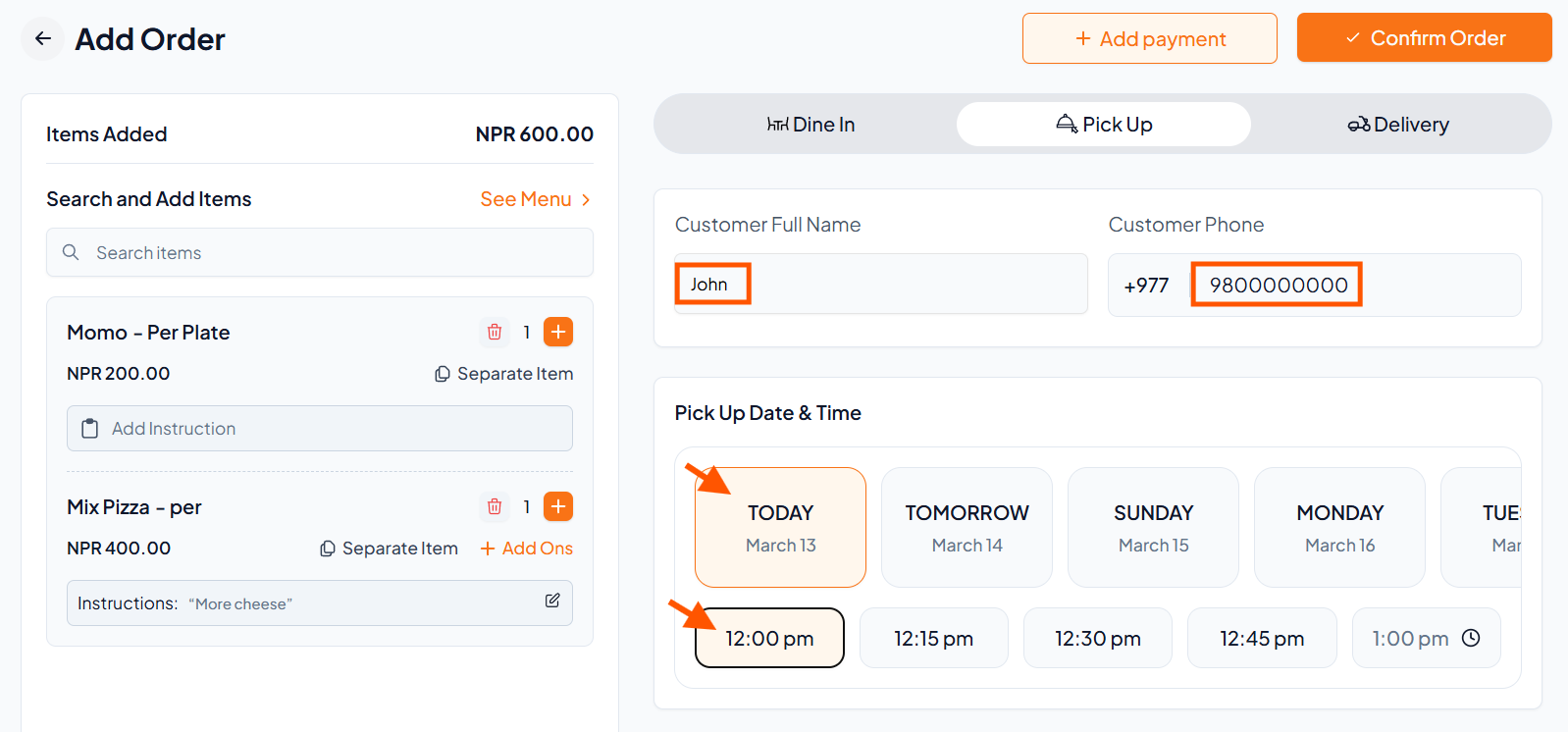
Step 5: Add Customer Details
Enter the customer's name and phone number.
Set the Pick Up Date & Time.
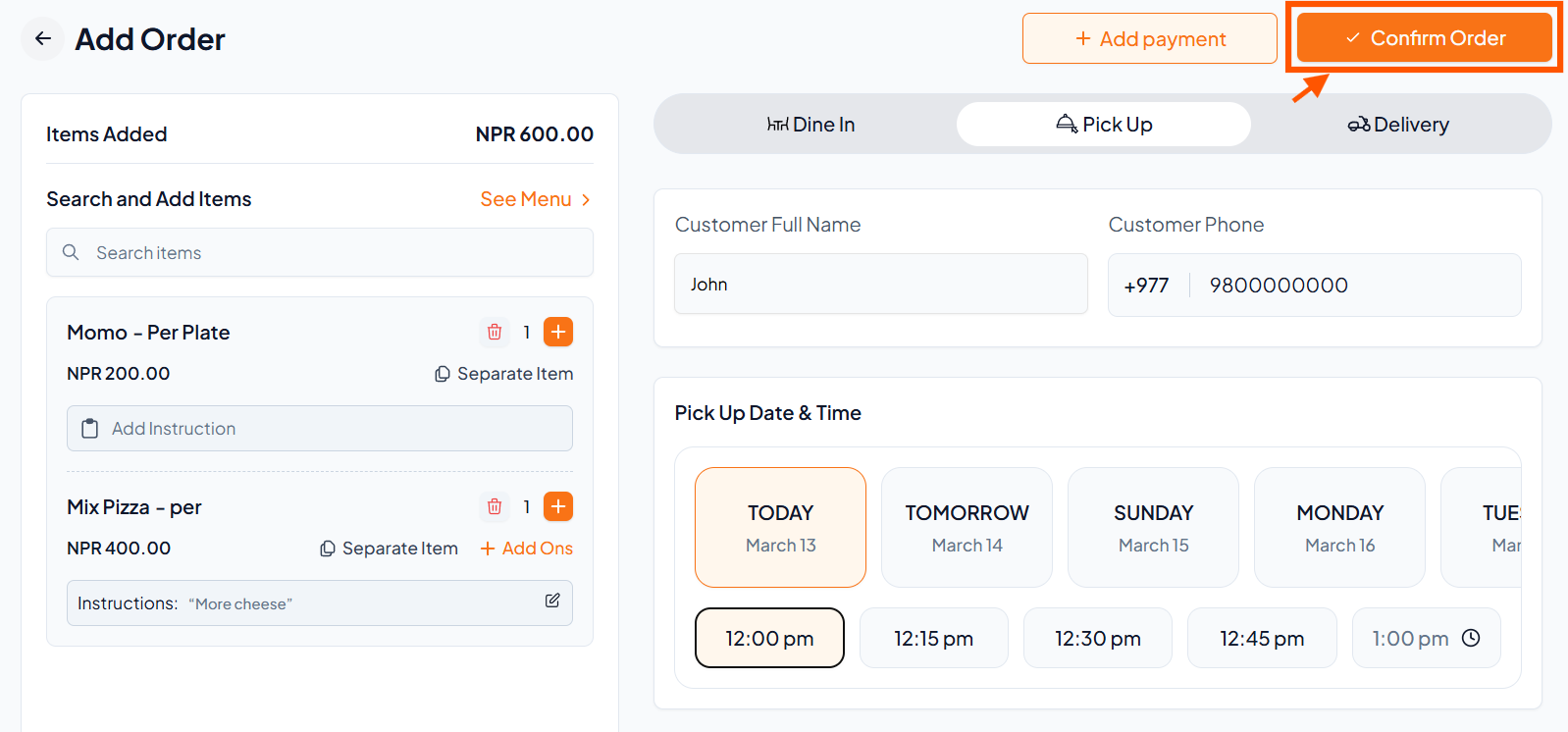
Step 6: Click "Confirm Order"
Step 7: Add Payment
Tap "Add Payment" and select the payment method (cash, card, etc.).
Step 8: Complete the Order
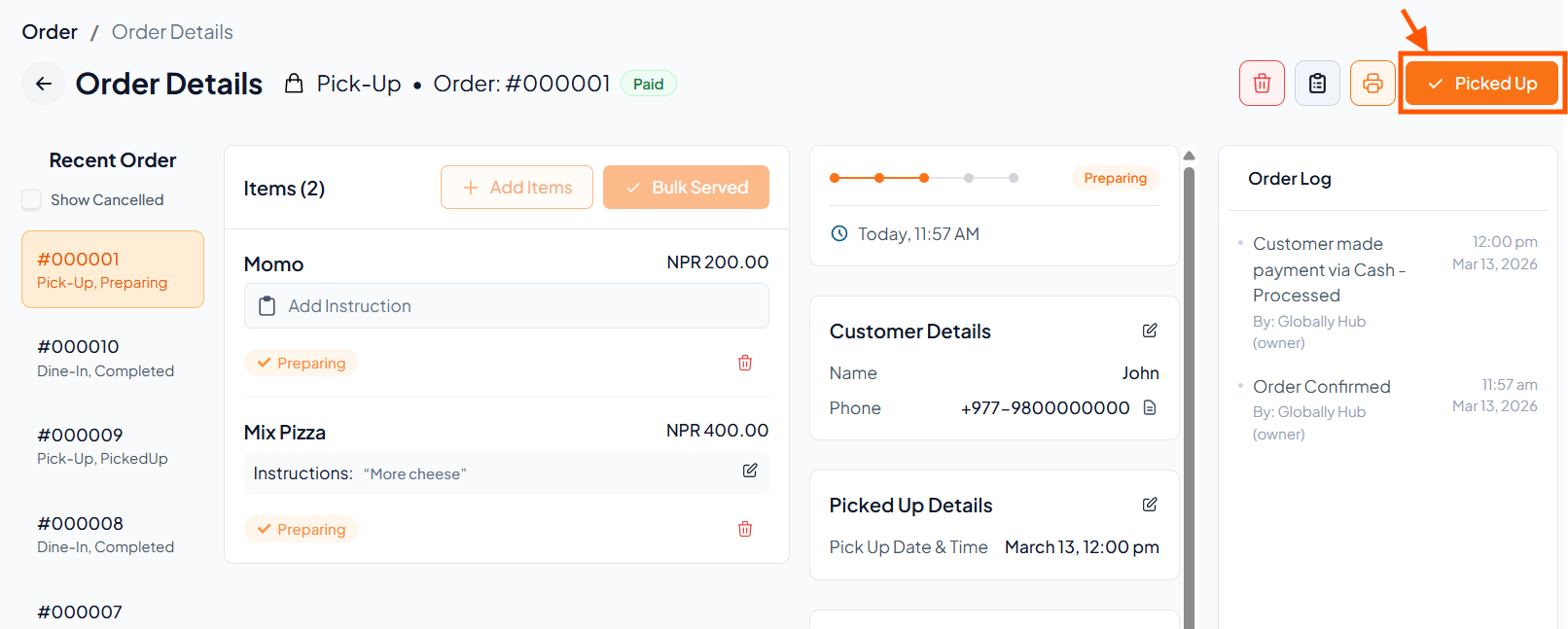
After payment, mark the order as "Picked Up" to complete it.