
Step By Step Guide
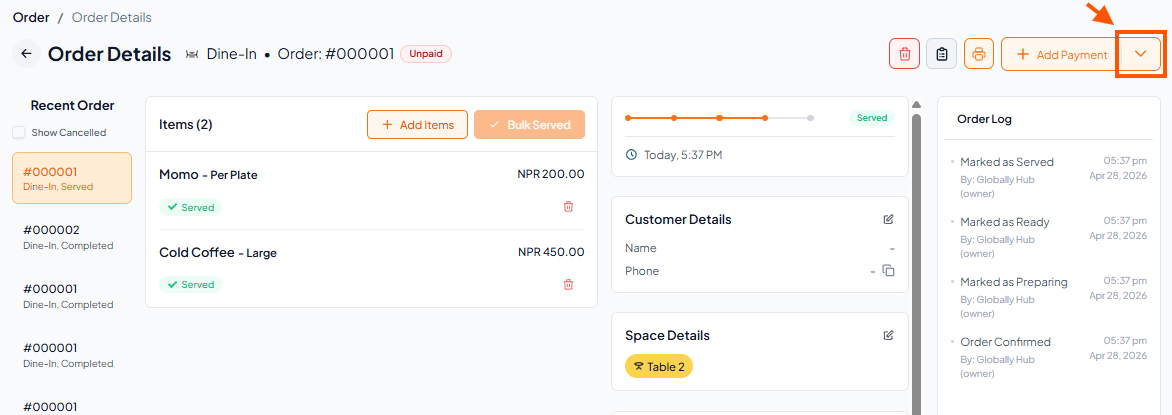
Step 1: Find Credit Options in Order Details
Go to Order Details
Tap the down arrow (▼) next to Payment.
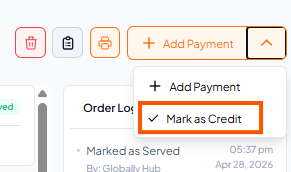
Step 2: You will see two options → Select "Mark as Credit".
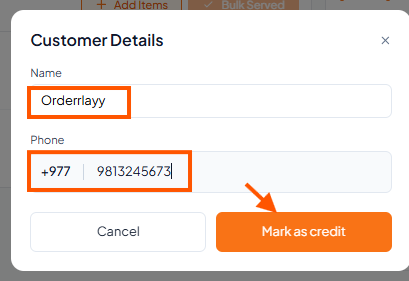
Step 3: Enter the Customer Name and Phone Number and Tap "Mark as Credit" button.
The credit amount will now appear in the Customers section.