
Step 1: Go to Orderlay Web and Click "Create New"
Open the Orderlay web app using this link: https://web.orderlay.app/
On the login screen, click "Create Here".
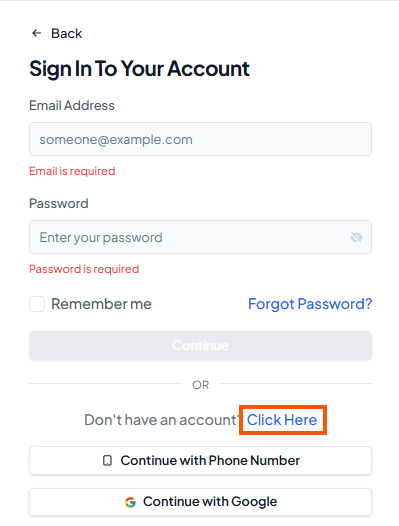
Step 2: Choose How to Sign Up
Quick Sign-Up: Tap Continue with Google or Continue with Apple.
Manual Sign-Up: If you want to sign up using your email or phone number, follow the guide:
[Create Your Personal Orderlay Account with Email or Phone number]
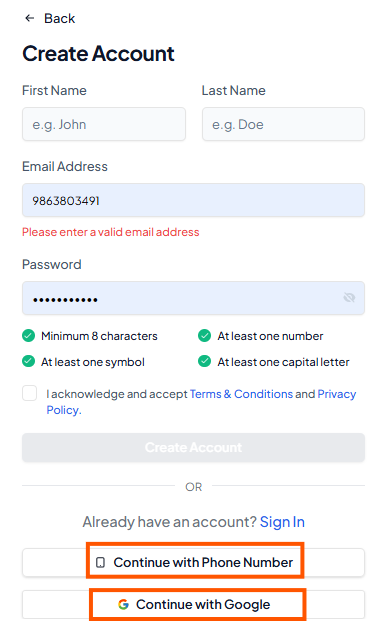
Step 3: Personal Account Created Successfully
Once your sign-up is complete, your personal account will be ready, and you’ll see the Orderlay dashboard.
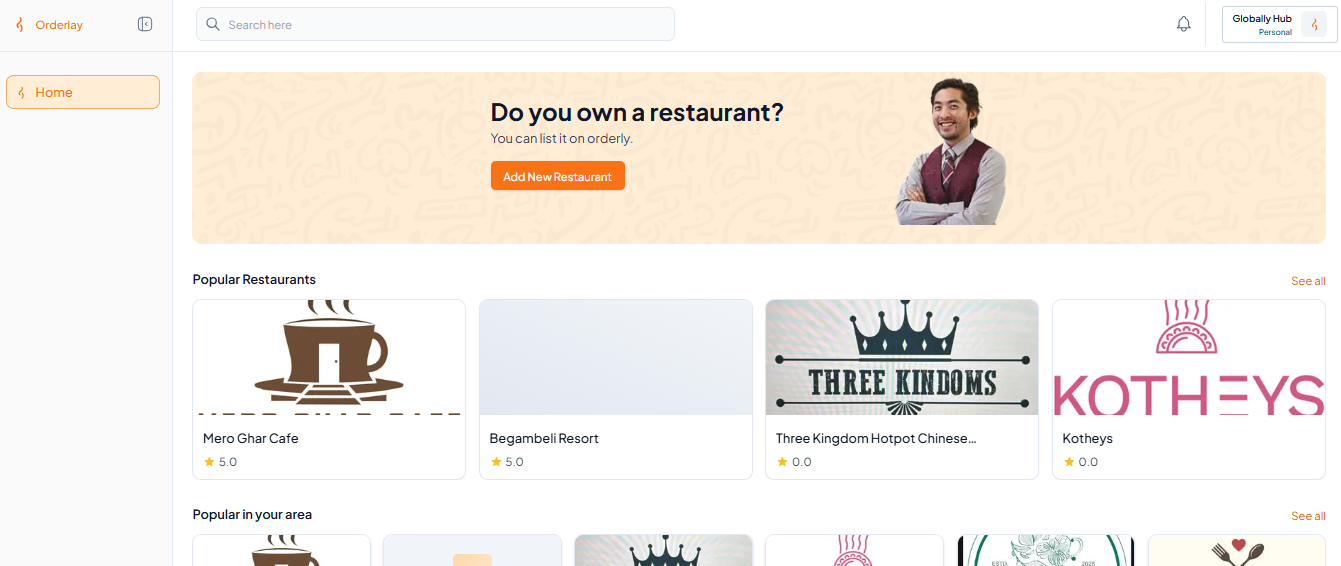
Now that your account is active, you can proceed to set up your restaurant:
Create Your Restaurant Profile on Orderlay.
