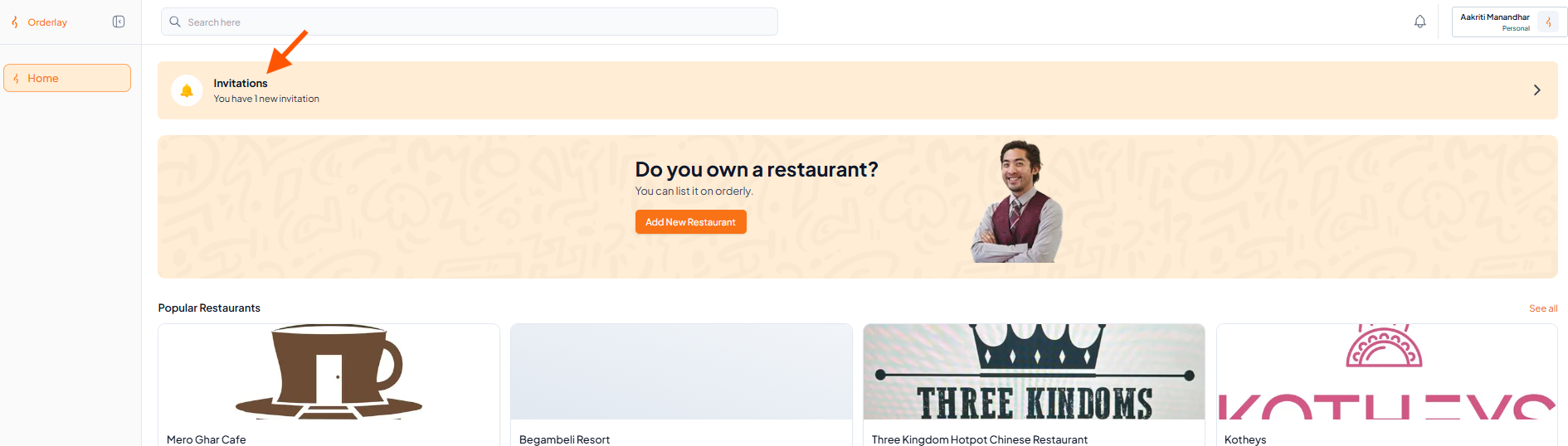
Step 1: Go to Invitations
Log in to your Orderly Dashboard on the web.
Look for the Invitations section. You’ll see a notification like this:
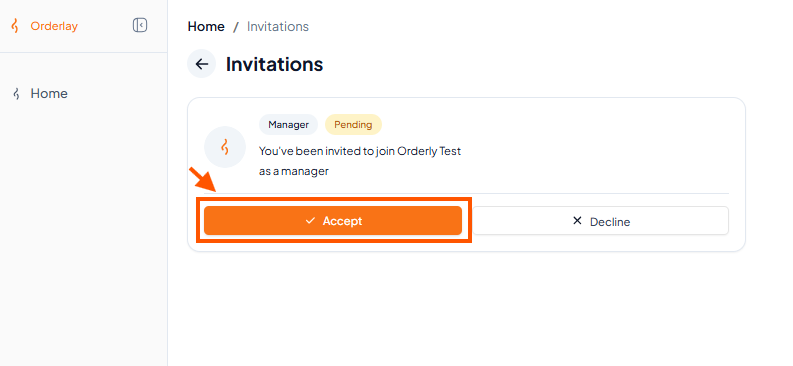
Step 2: Click "Accept"
After accepting, you’ll see a confirmation message. You are now part of the team!