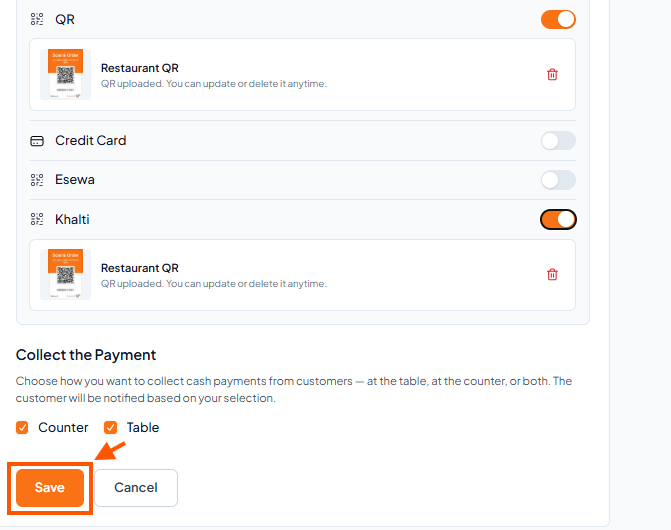
Note: Only Owner can change payment settings.
Step-By-Step-Guide
Step 1: Go to Payment Settings
In the left sidebar, click Settings.
Under Payment & Billing, select Payment Settings.
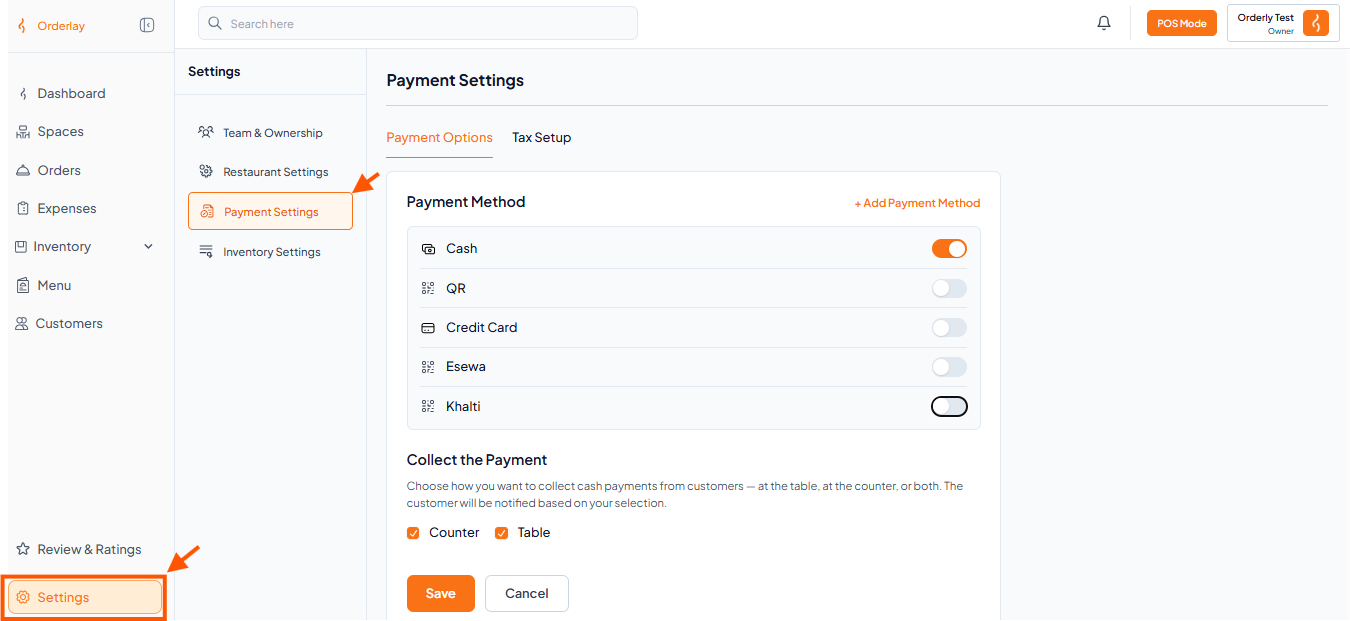
Step 2: Add or Activate Payment Methods
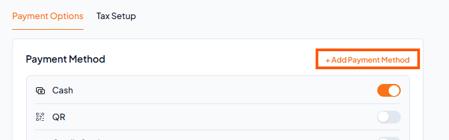
To add a new payment method: Tap "+ Add Payment Method".
To activate a payment method you already have: Turn ON the switch next to each payment option you want to use.
Upload QR image (if using QR Payment)
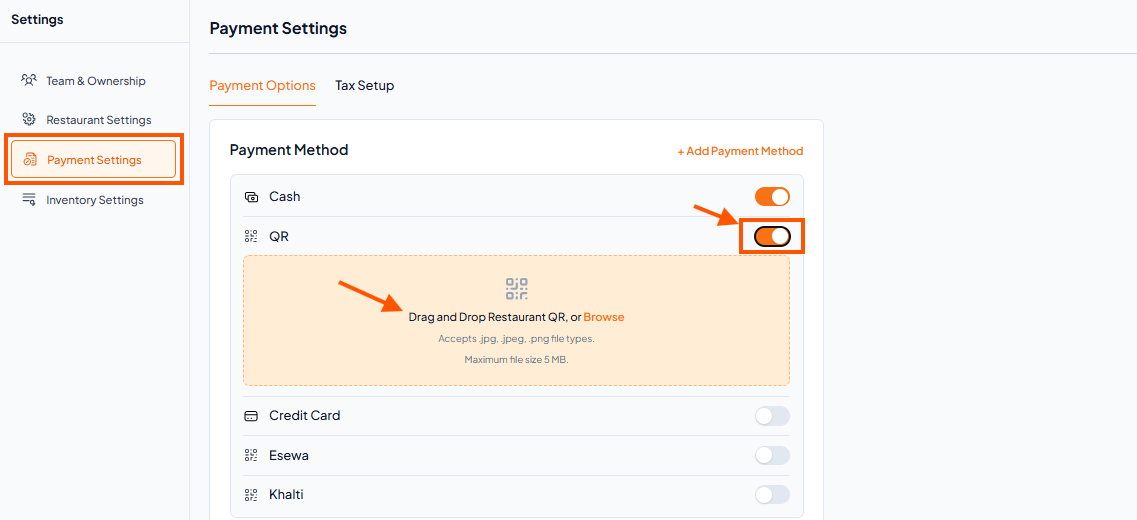

After turning on QR Payment, upload your QR image.
See: Upload Your Payment QR Code in Orderlay.
See: Upload Your Payment QR Code in Orderlay.
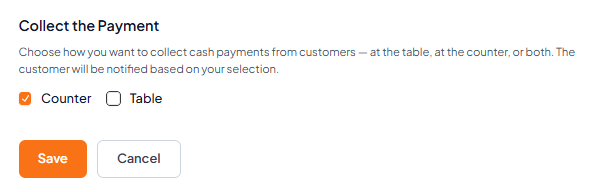
Step 3: Choose Payment Collection Point
Select where customers will pay:
Counter – Customers pay at a central counter or cashier.
Table – Staff collect payments directly at the table.
Step 4: Save Your Settings
After selecting your preferred options, tap "Save".