Step-By-Step-Guide
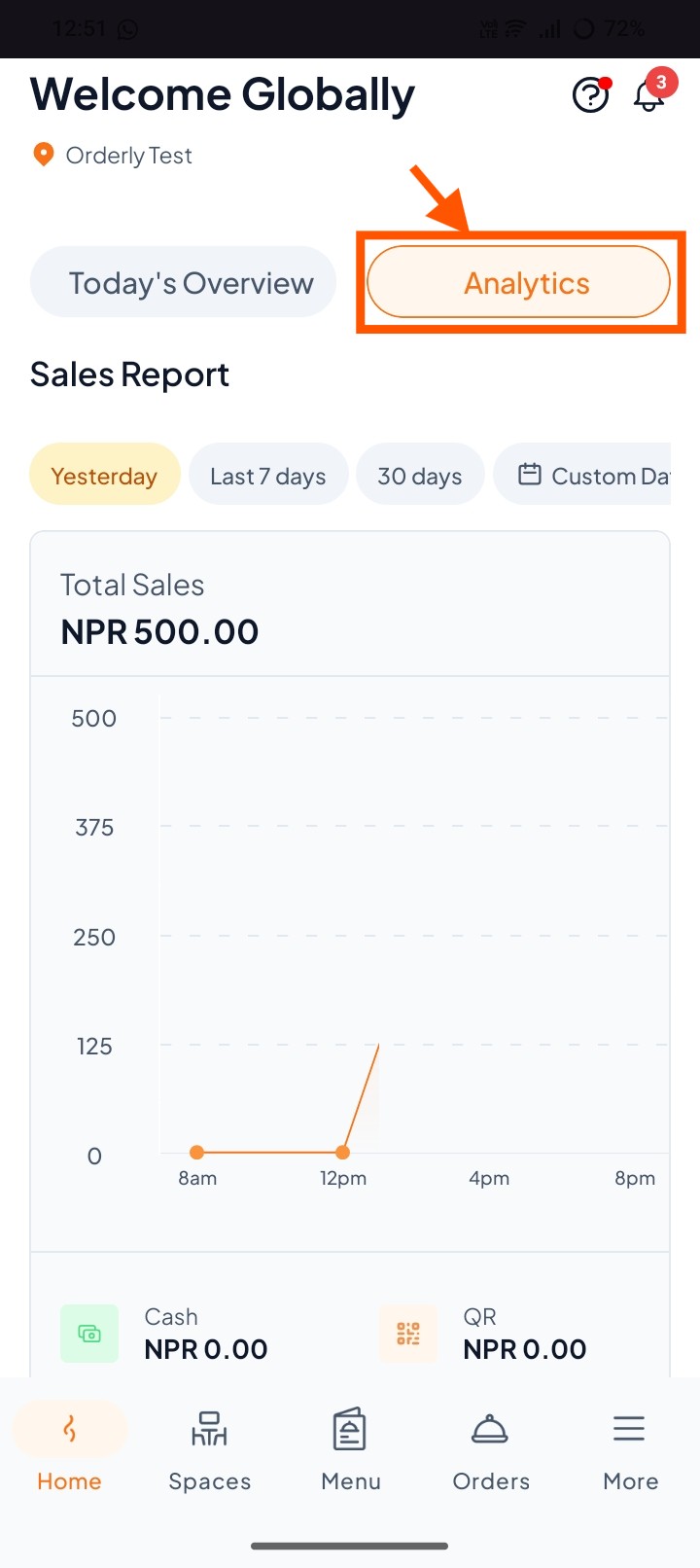
Step 1:Go to Analytics
From the Orderly Home page, tap on Analytics. This is where you’ll find all your sales reports.
Step 2: Choose Your Date Range
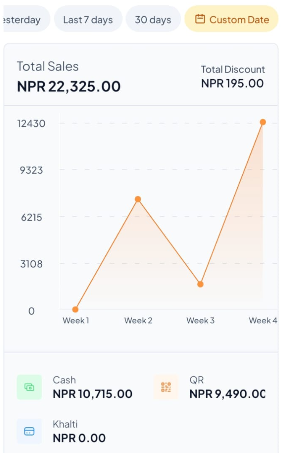
You will see several options:
Yesterday – View sales from the previous day.
Last 7 days – View sales for the past week.
30 days – View sales for the past month.
Custom Date – Pick your own start and end dates.
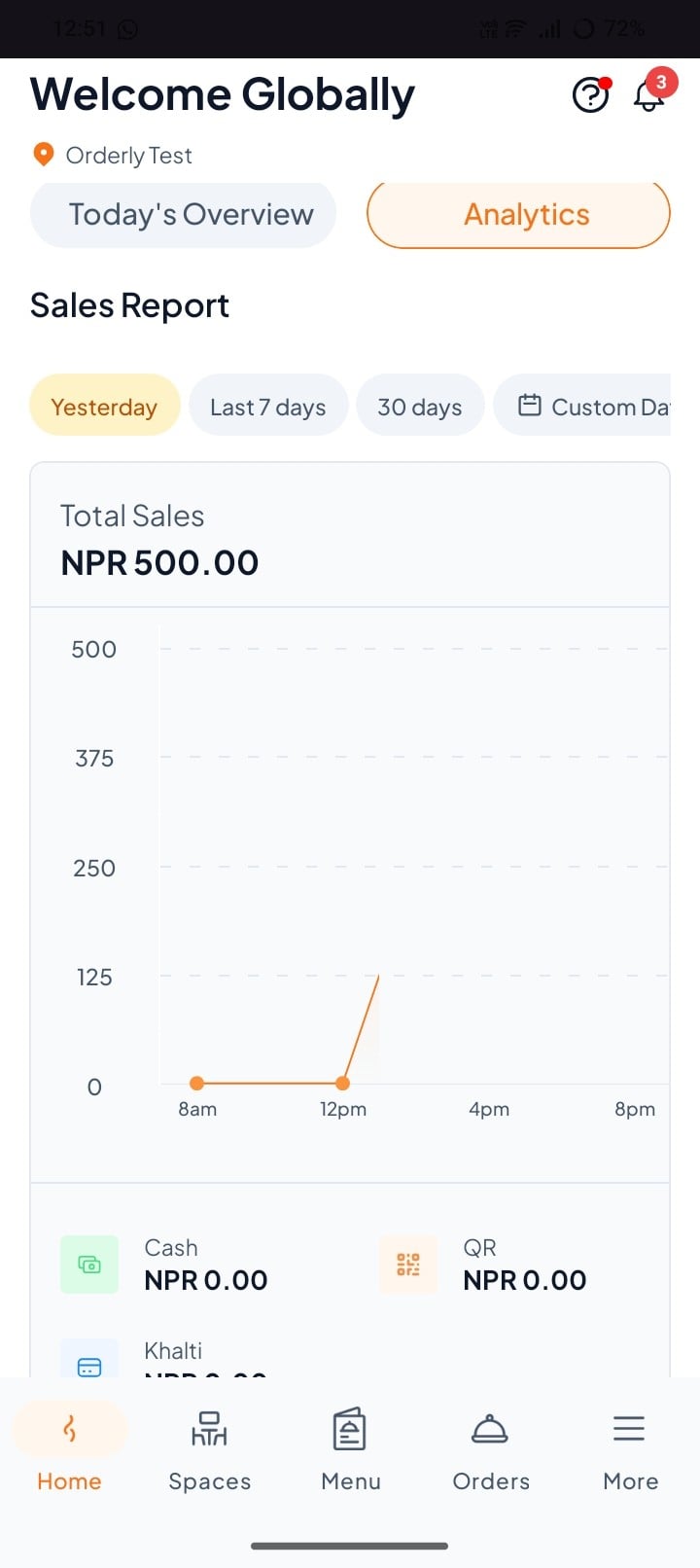
Step 3: View Your Sales Report
You can find total sales, discount, payment received on cash, Qr, etc.