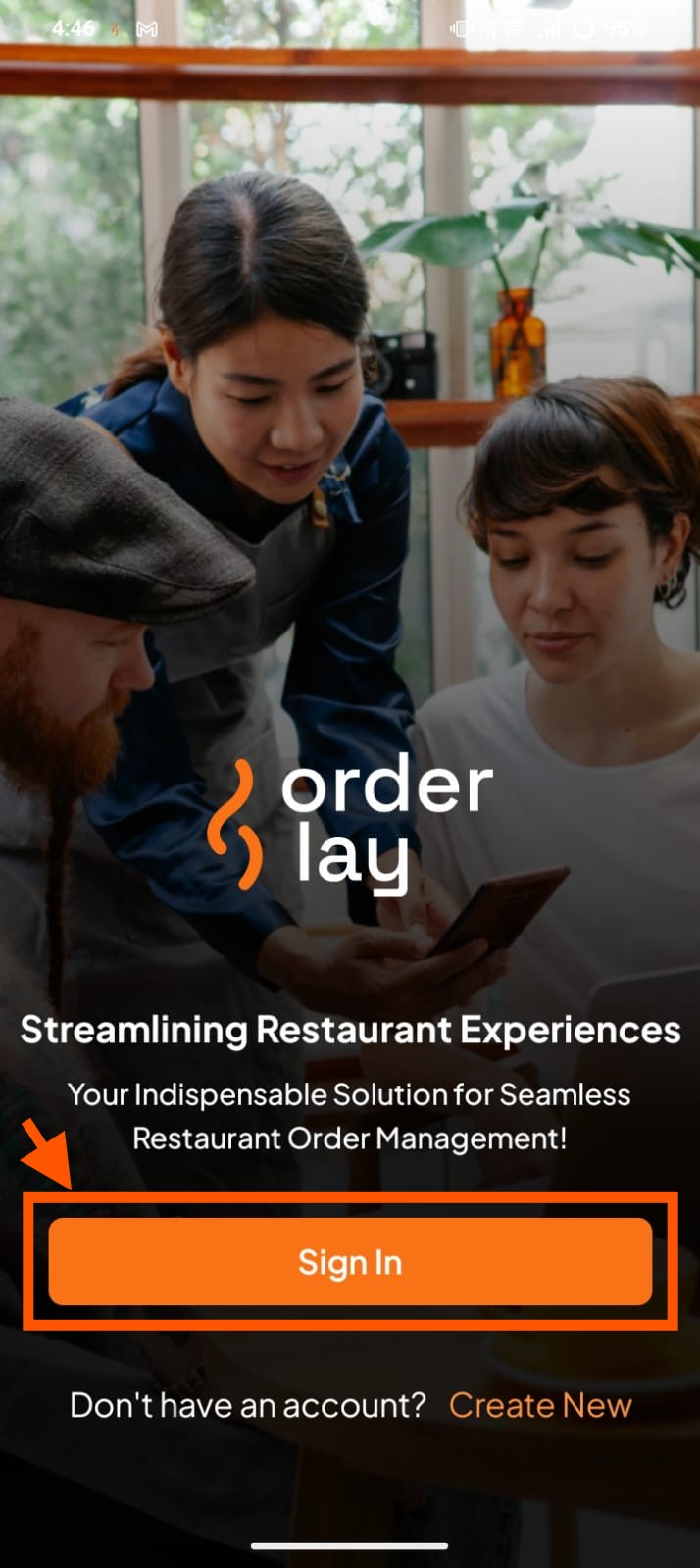
Step 1: Open the Orderlay App and Click "Sign In"
Step 2: Sign In to Your Account
On the Sign In screen, log in using the same method you used to create your account.
Enter your email → Enter your password → Tap "Log In" | |
Phone Number | Enter your phone number → Enter your password → Tap "Log In" |
Google Account | Tap "Continue with Google" → Select your Google account |
Apple ID | Tap "Continue with Apple" → Authenticate (Face ID / Touch ID / password) |
Step 3: Access Your Restaurant Account
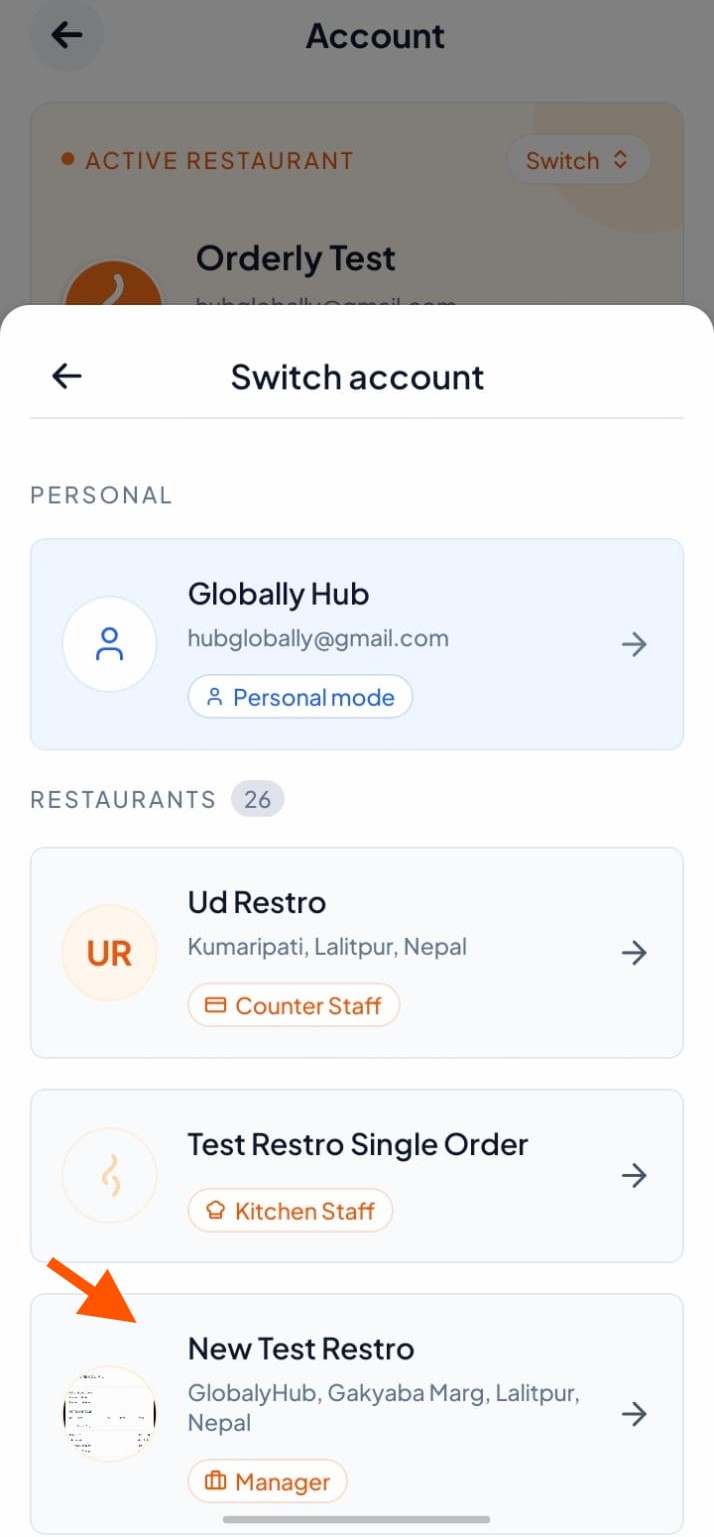
If you have created a restaurant, tap Personal Mode under Account.
Tap the restaurant name you created.
Tap "Switch" to access your restaurant dashboard
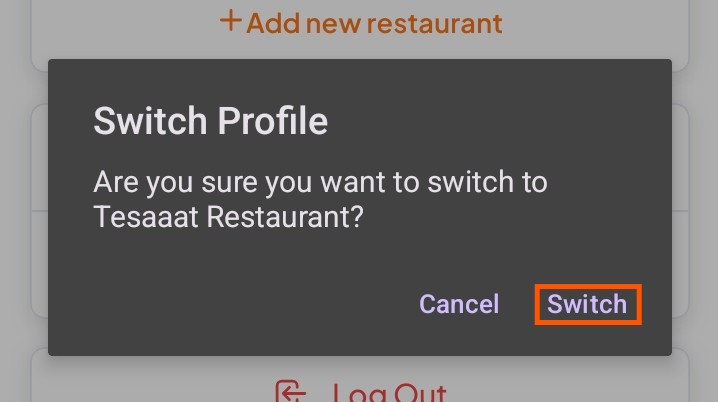
Note: Switching profiles is only required if you have created a restaurant account in addition to your personal account.
