Step 1: Go to Add Menu Items
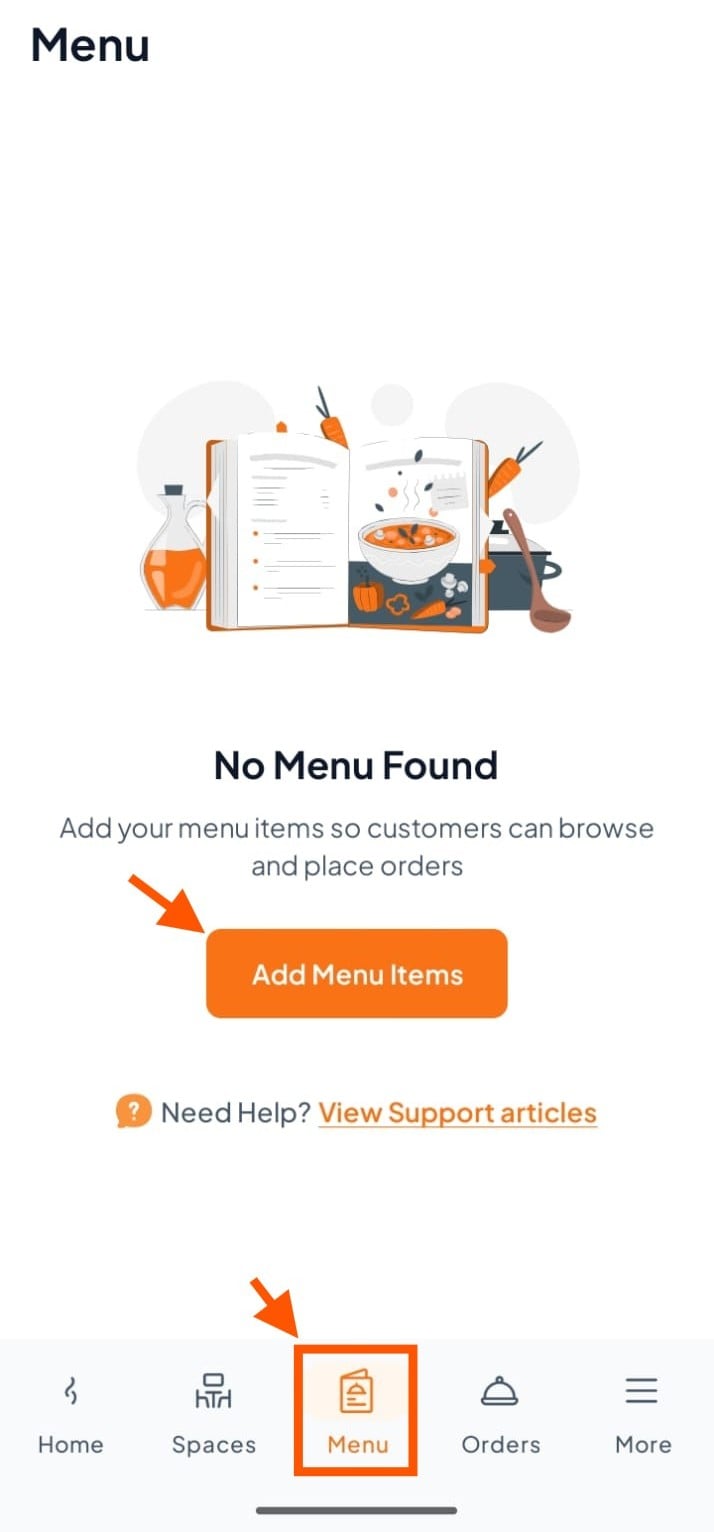
From your Orderlay dashboard, go to the "Menu" section.
Click "Add Menu Items"
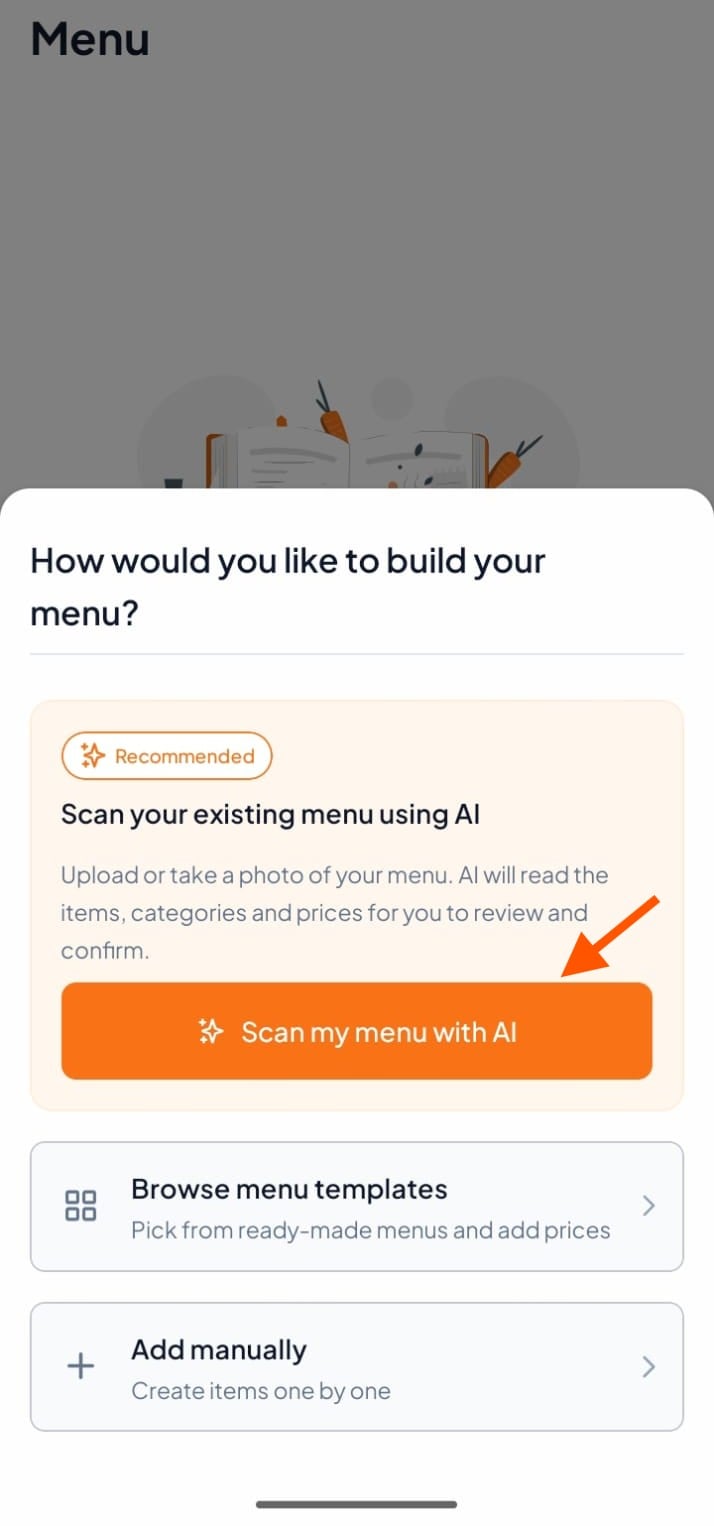
Step 2: Click "Scan menu with AI"
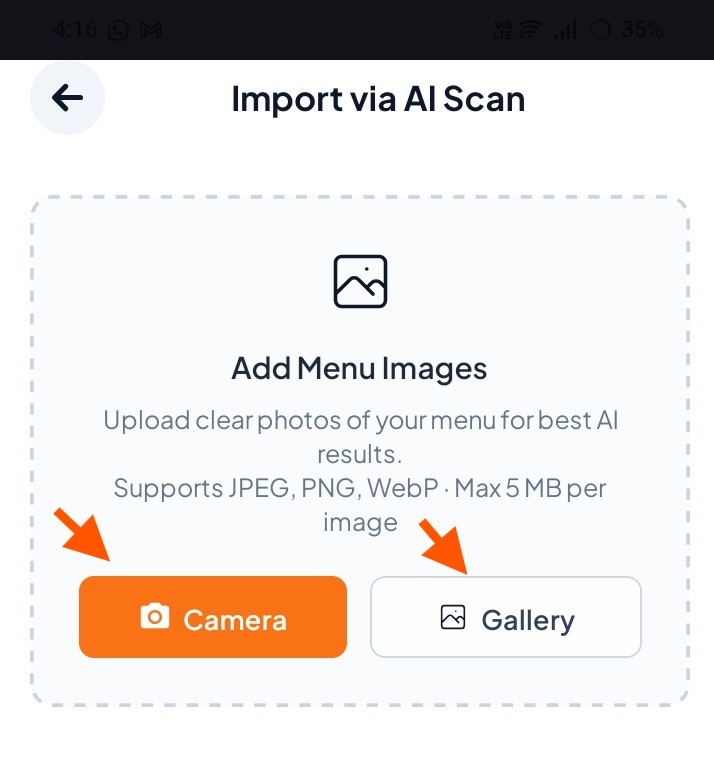
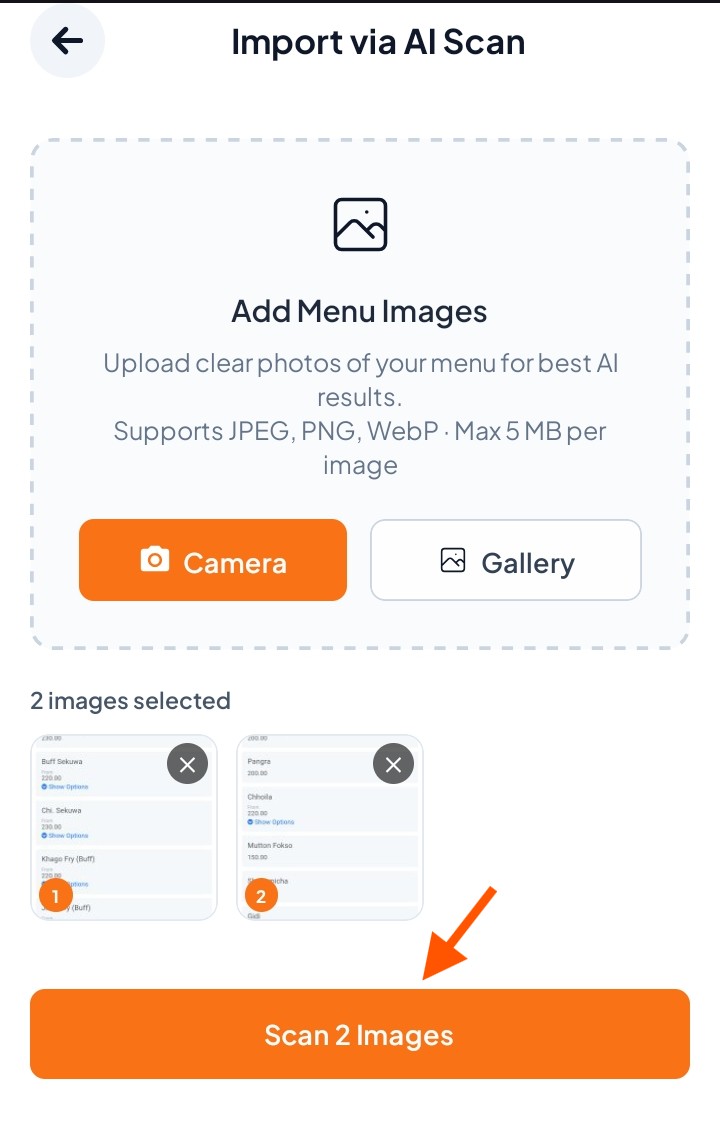
Step 3: Upload Menu Image
Take a live photo of your paper menu or Select an existing menu photo from your phone
Step 4: Click "Scan Images"
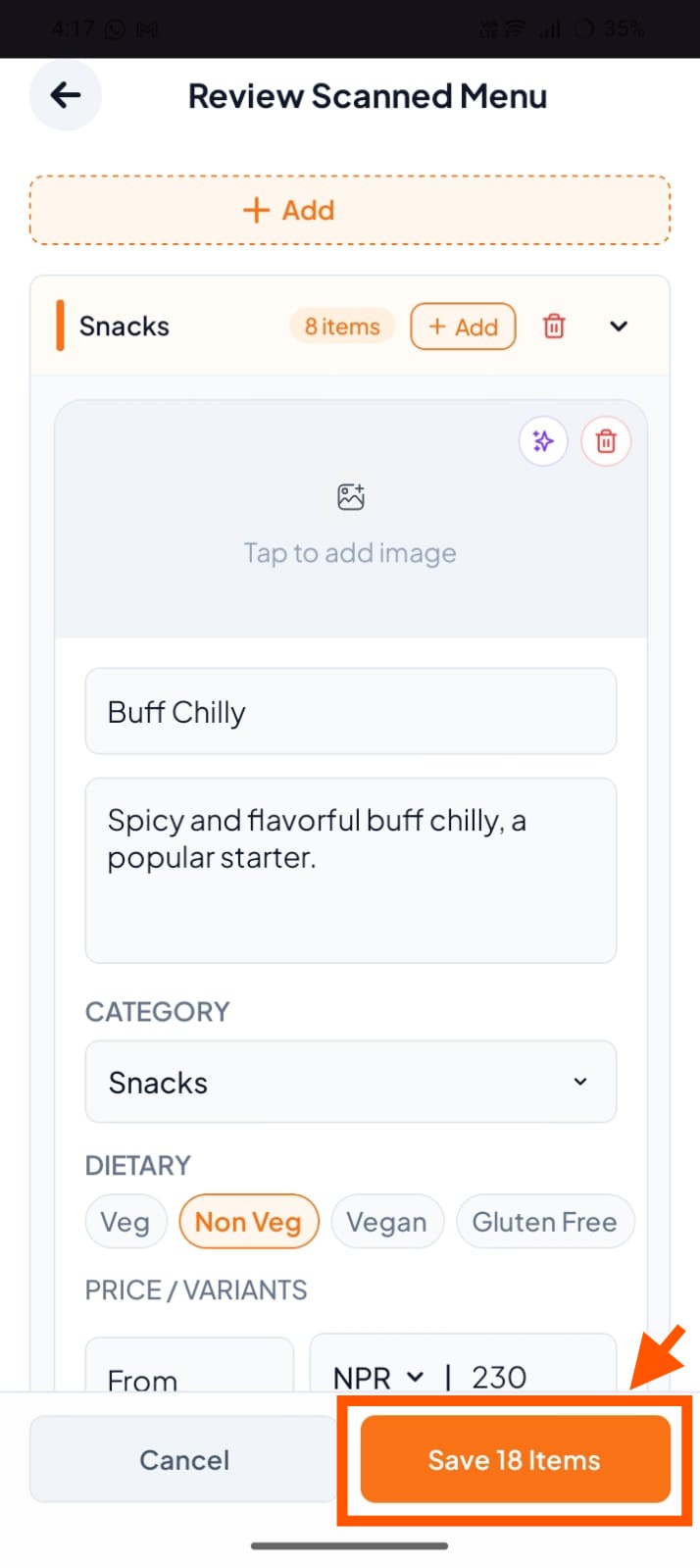
Step 5: Review AI Scan Results and Click "Save All Items"
Once you have reviewed and edited all items, click Save All Items.
All menu items will be added to your Menus section automatically.