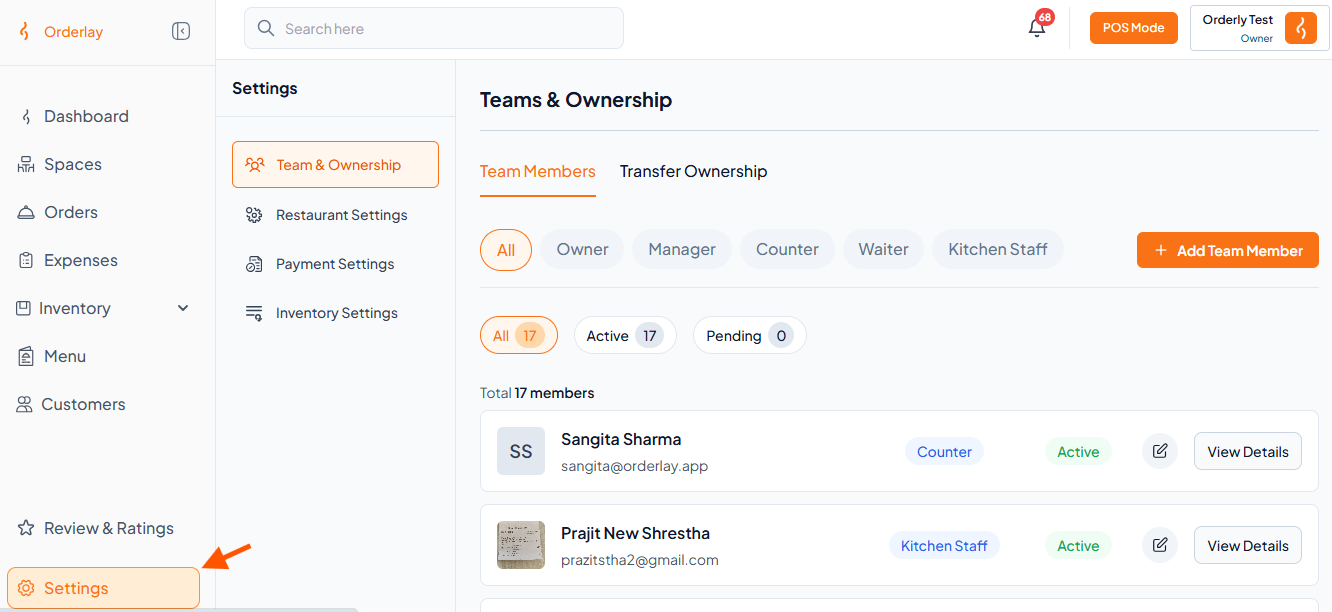
Step 1: Go to Settings
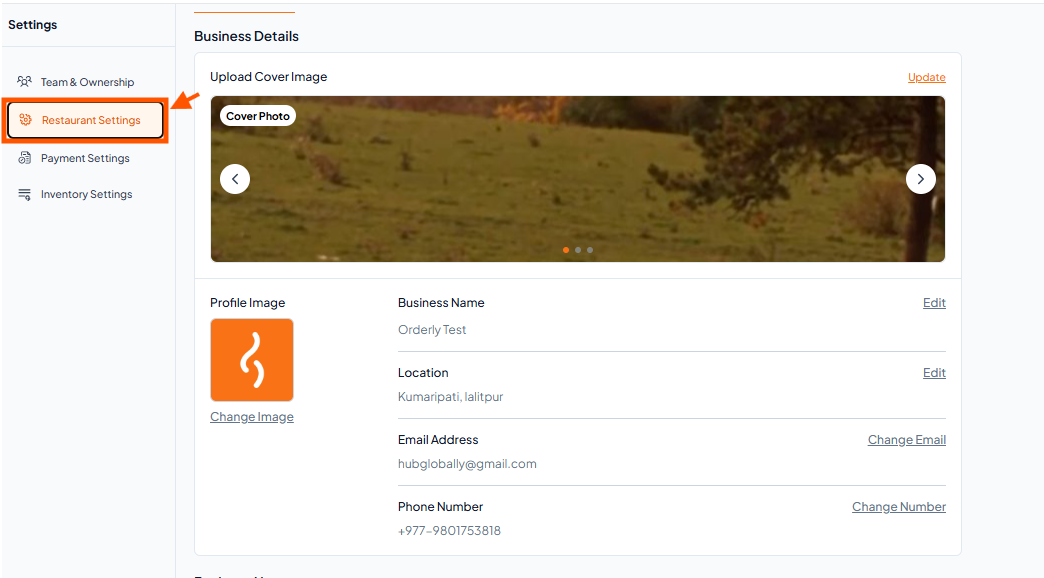
Step 2: Open Restaurant Settings
Inside the Settings page, click on Restaurant Settings from the available options
Step 3: Find Business Hours
Scroll down on the same page to see business hours
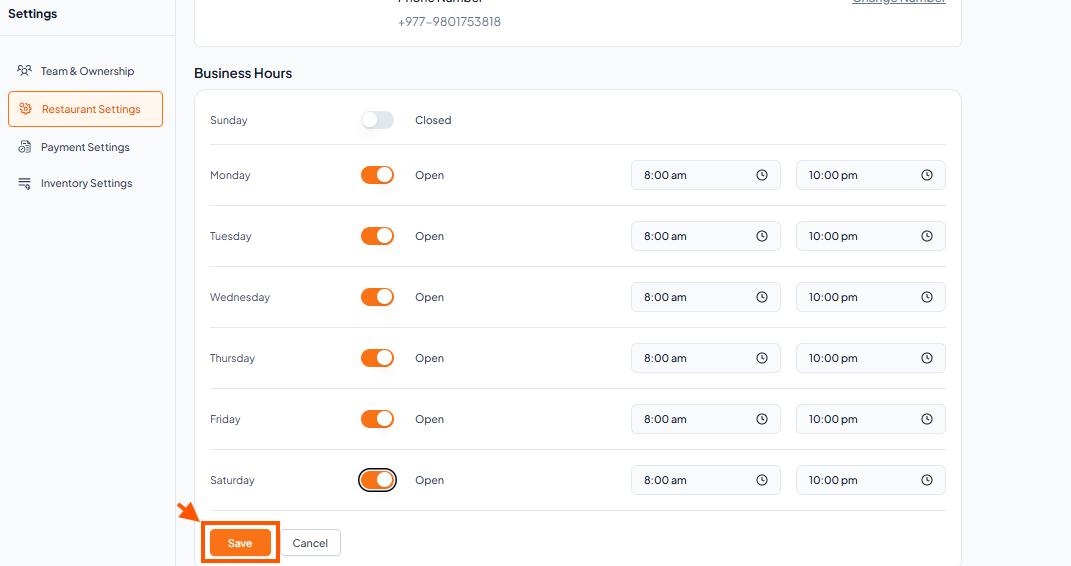
Step 4: Set Your Hours for Each Day
You will see a list of all the days of the week and an option to set time.
Tap the Open/Close button to set whether the restaurant is open or closed.
Tap on the first time (e.g., 08:00) to select your opening time.
Tap on the second time (e.g., 22:00) to select your closing time.