Step-By-Step-Guide
Step 1: Open the App and Create Account
Open the Orderlay app. On the welcome screen, tap "Create New" at the bottom.

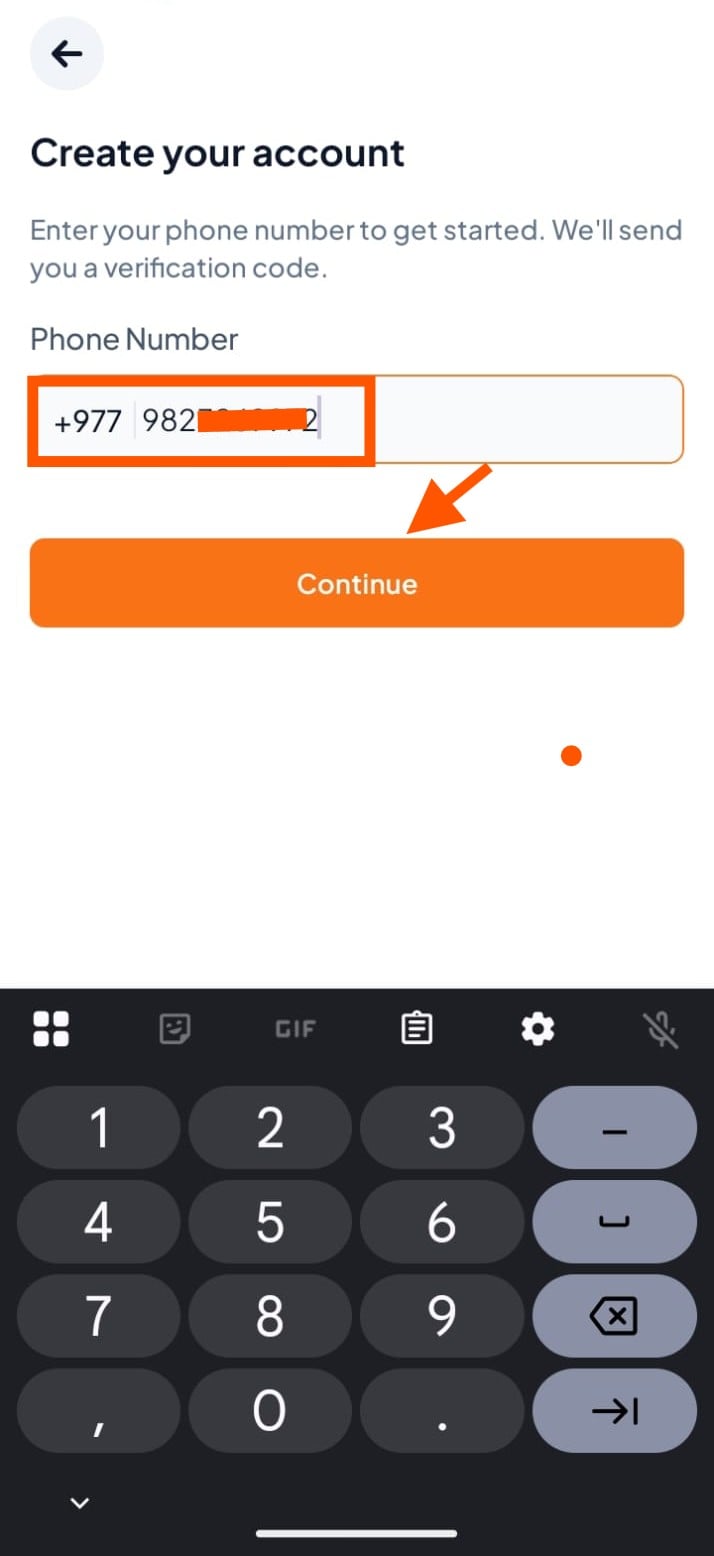
Step 2: Enter Your Phone Number
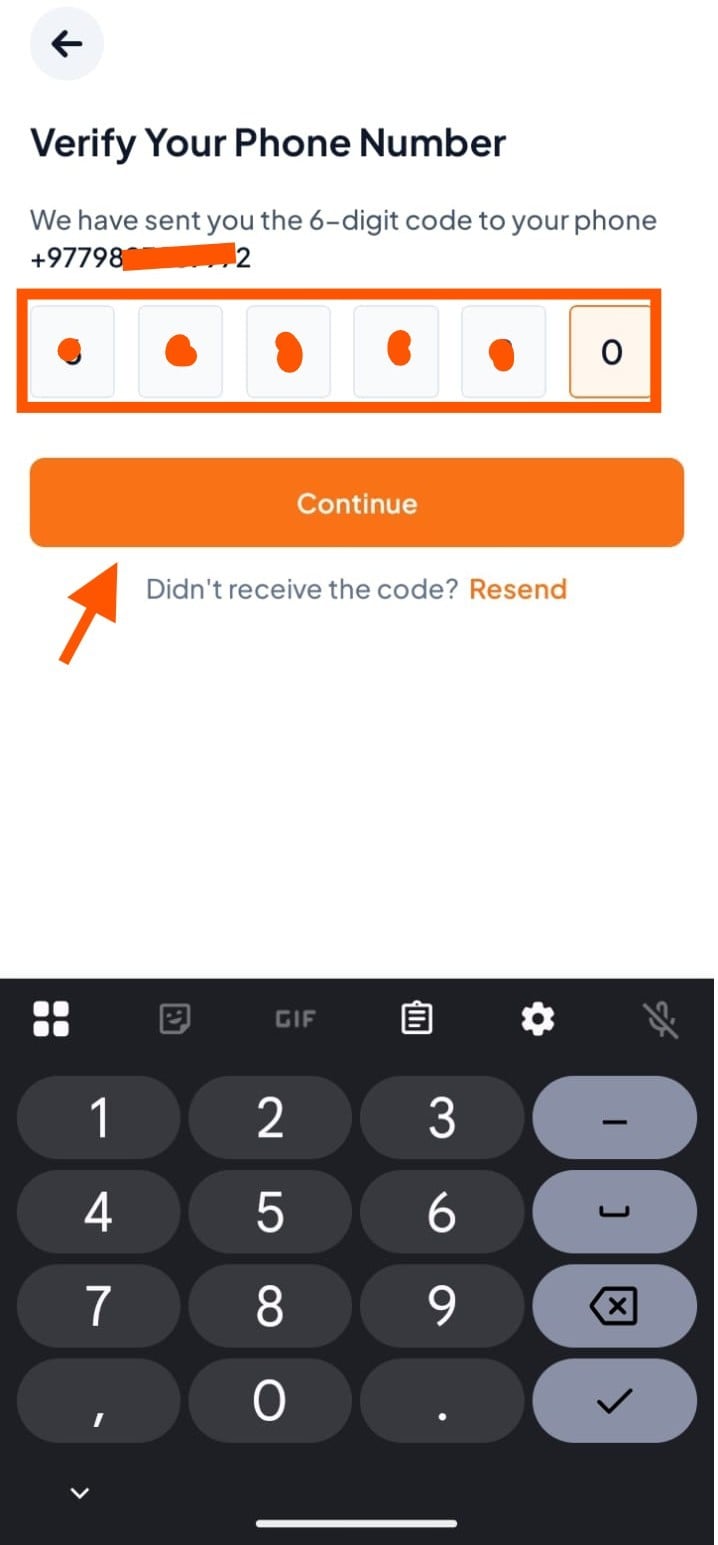
Step 3: Verify Your Code
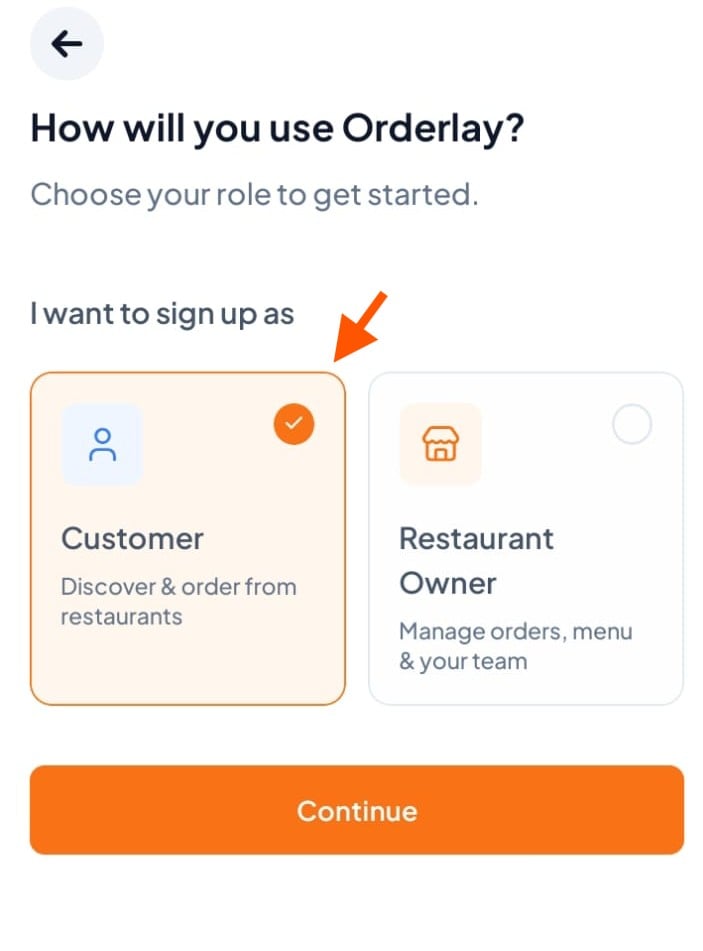
Step 4: Choose Your Role
Tap "Customer" to create a personal account and start exploring restaurants near you – or if you are restaurant staff
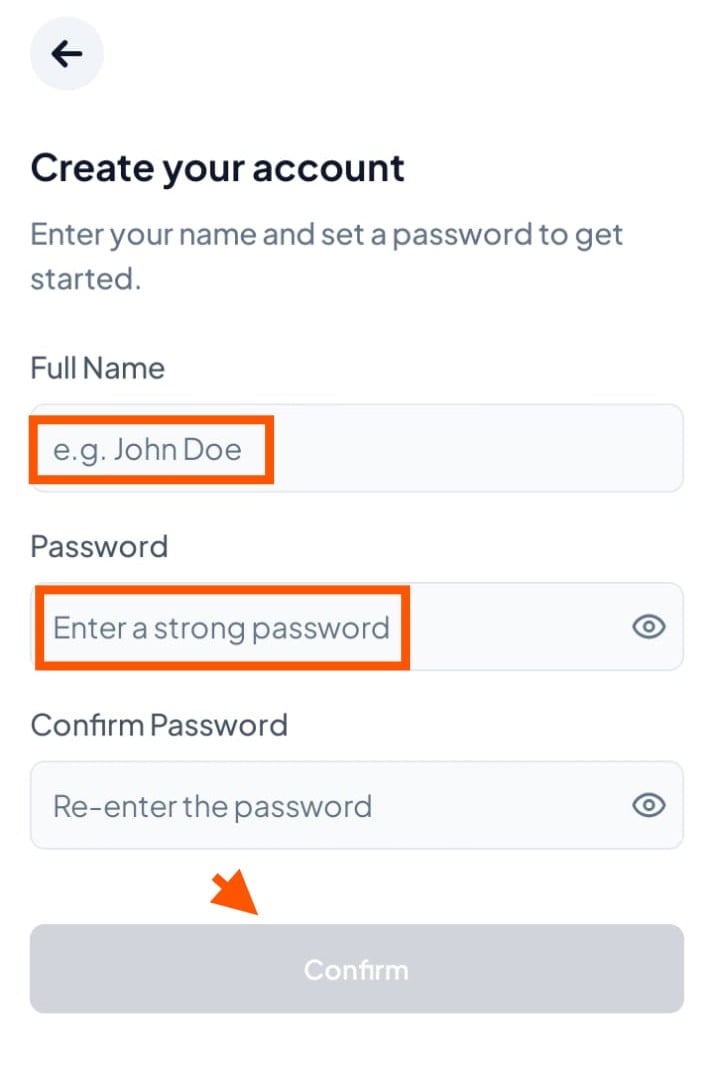
Step 5: Fill in Your Details
Enter your Name and create a Password. Save these – you'll need them to log in later.
Review your info and tap "Continue" to finish.