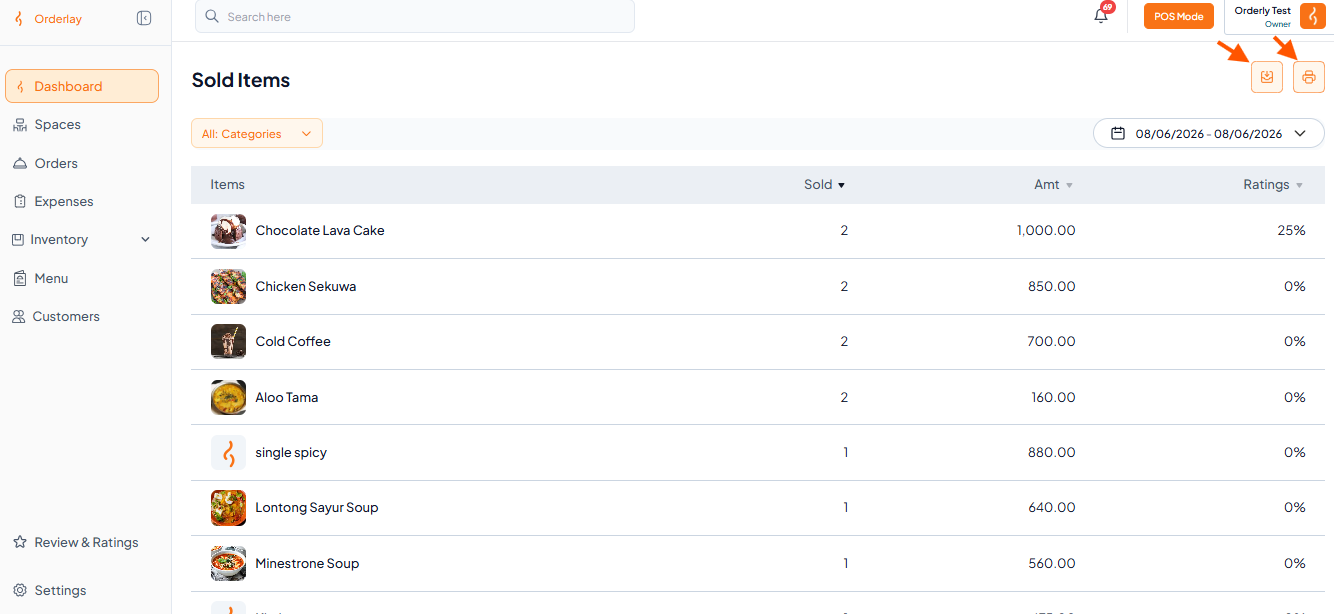
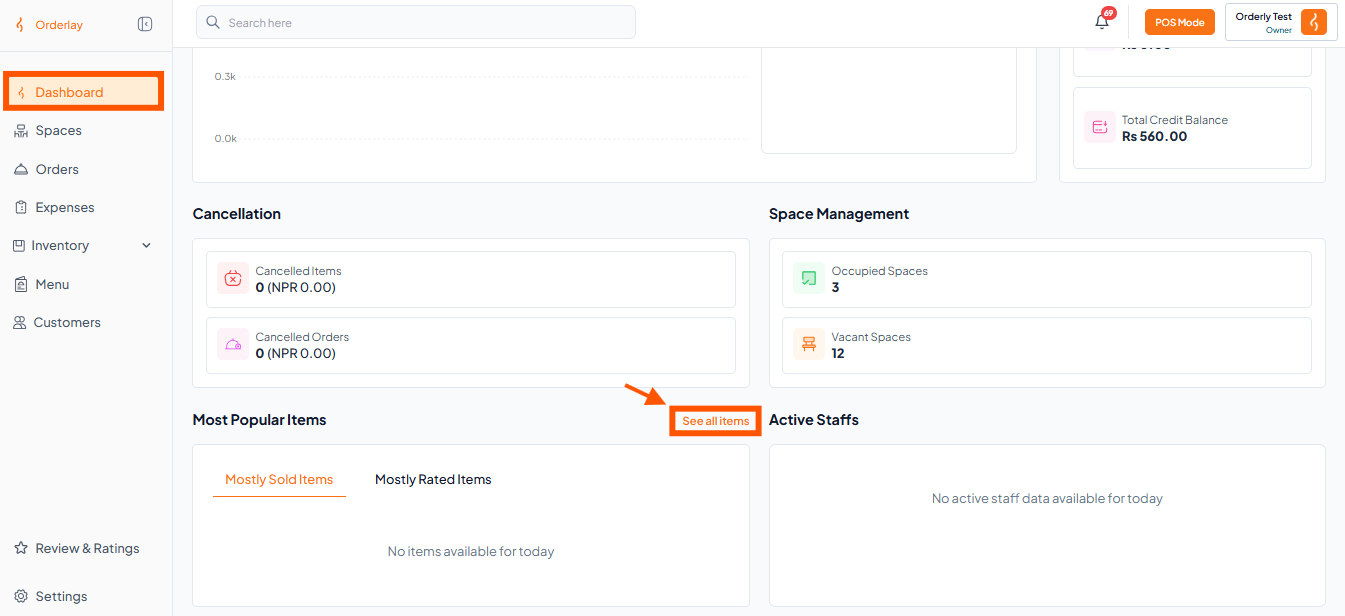
Step 1: Open the Sold Items Report
Scroll down on the Dashboard page.
Look for the Most Popular Items section and Click "See all items"
Step 2: Check Sold Items
On the Sold Items screen, you’ll see:
All items sold
Quantities
Total earnings (Amt NPR)
Ratings
Make sure the date shown matches the period you want to review.

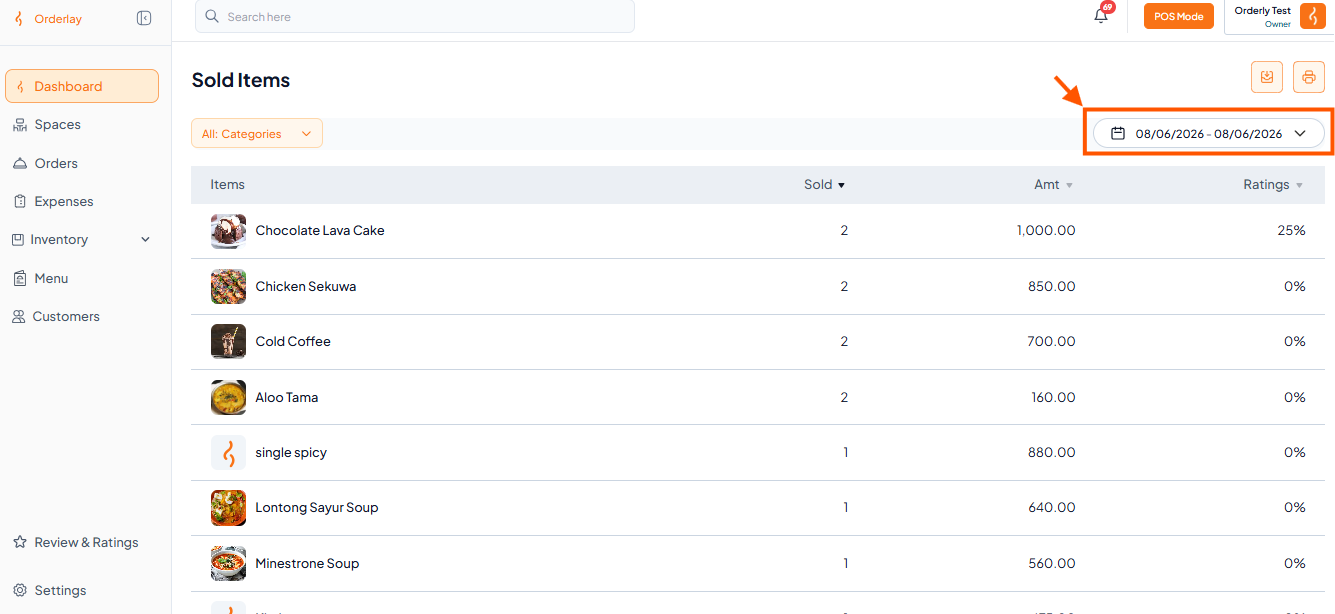

Step 3: Export or Print (2 Options)
Once your date range is selected:
🖨 Print Preview | Click Print Preview → Print |
📎 Save to Excel | Click Export to Excel or Download CSV |