Step-By-Step-Guide
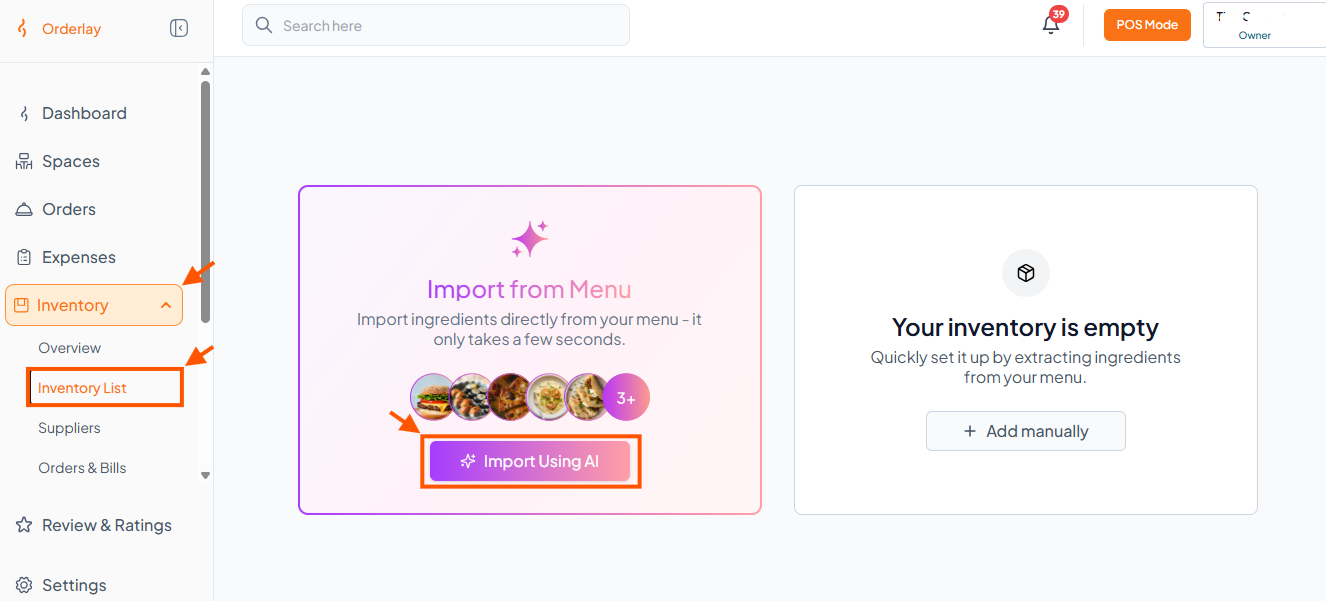
Step 1: Open Import Using AI
Go to Inventory → Inventory List, then click "Import Using AI".
Step 2: AI Scans Your Menu
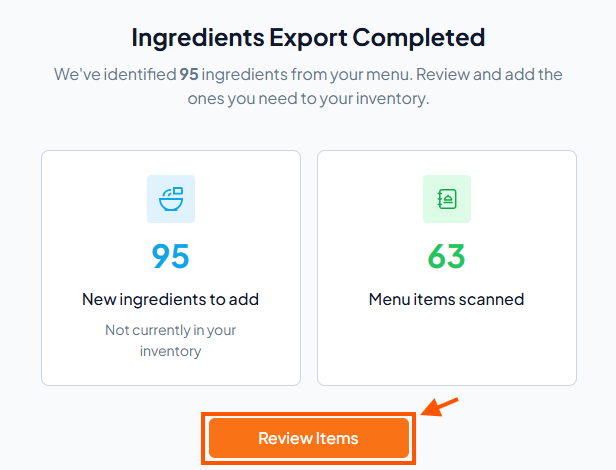
The system scans your menu and shows you all suggested ingredients ready to add.
Click "Review Items"
Step 3: Review & Select Items
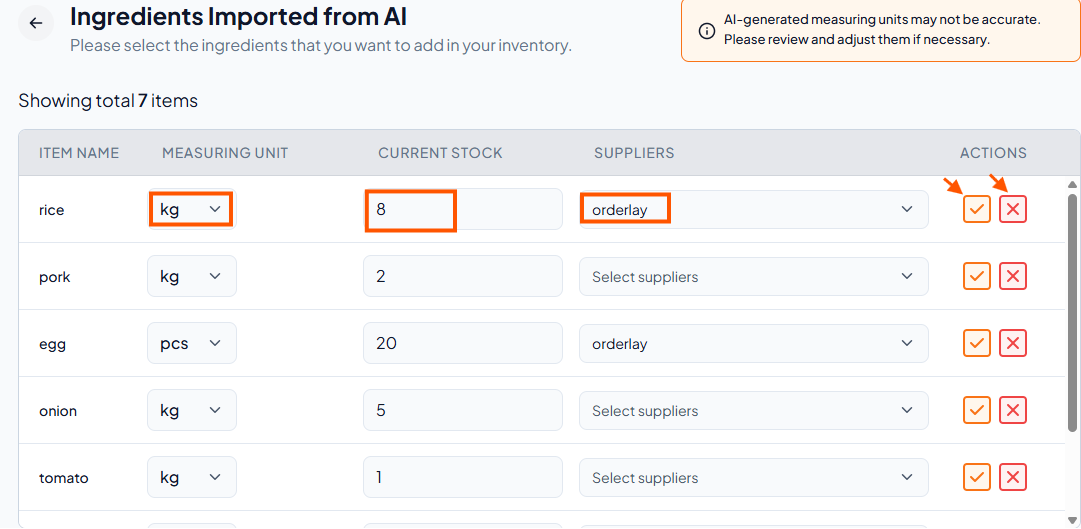
For each item, set the current stock, choose measuring unit and supplier.
Click ✓ (tick) to keep it, or ✕ (cross) to skip it.
Step 4: Confirm Addition
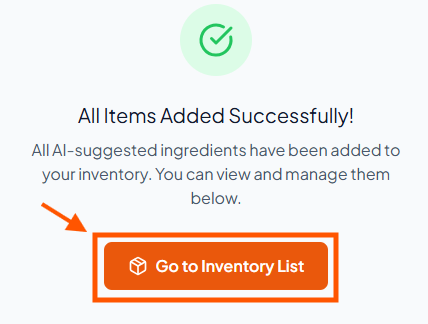
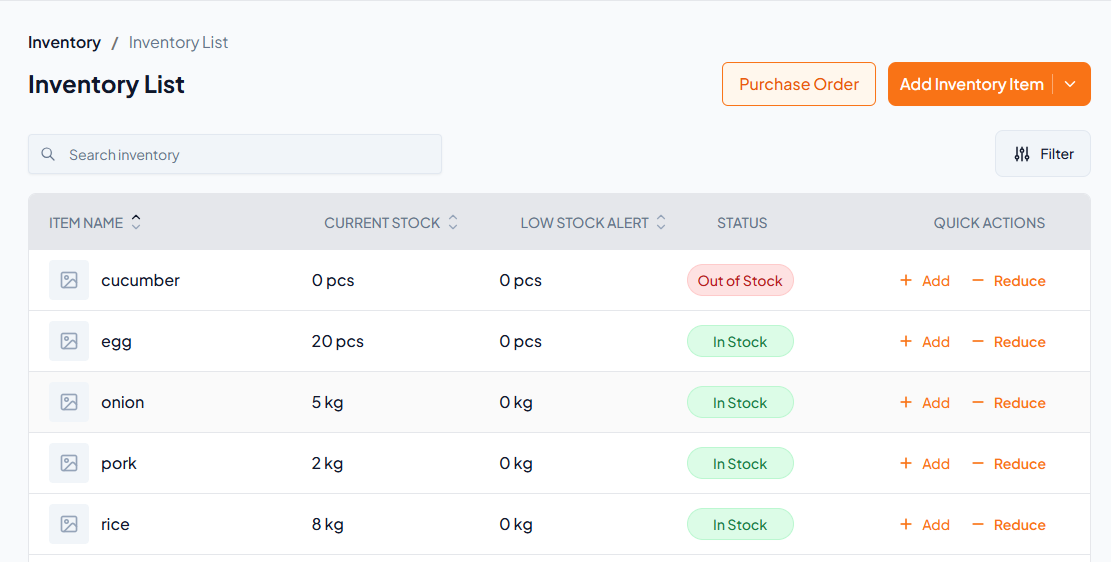
Step 5: View Your Inventory