Step-By-Step-Guide
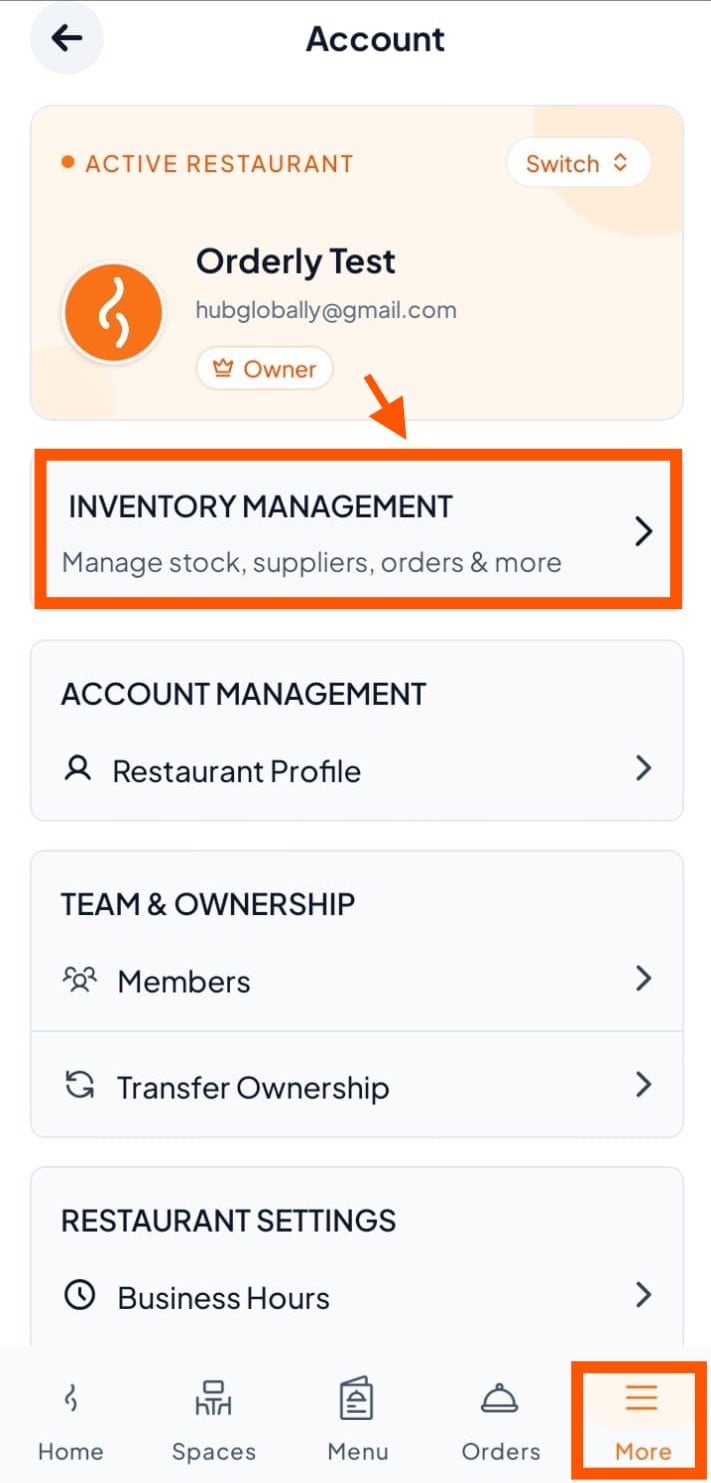
Step 1: Click "Inventroy Management"
Go to more → then click "Inventory Management".
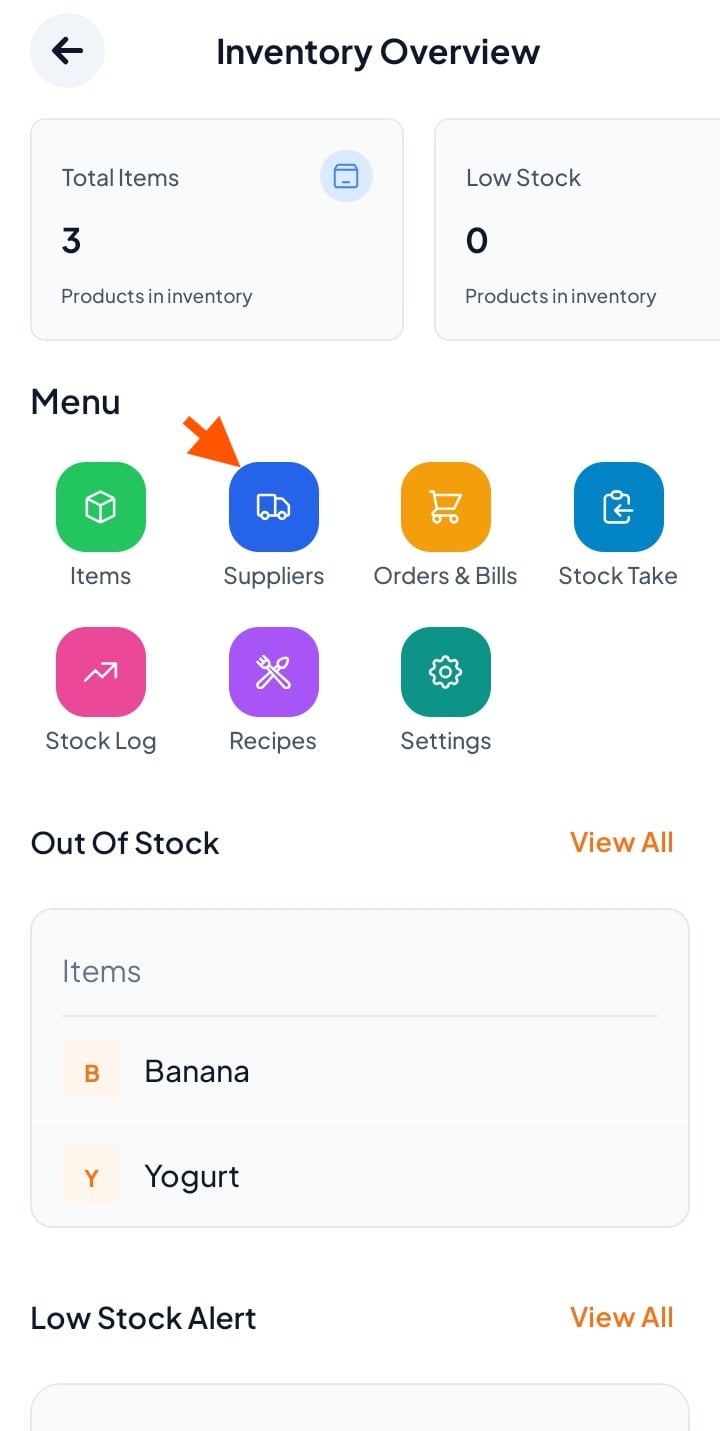
Step 2: Click "Suppliers"
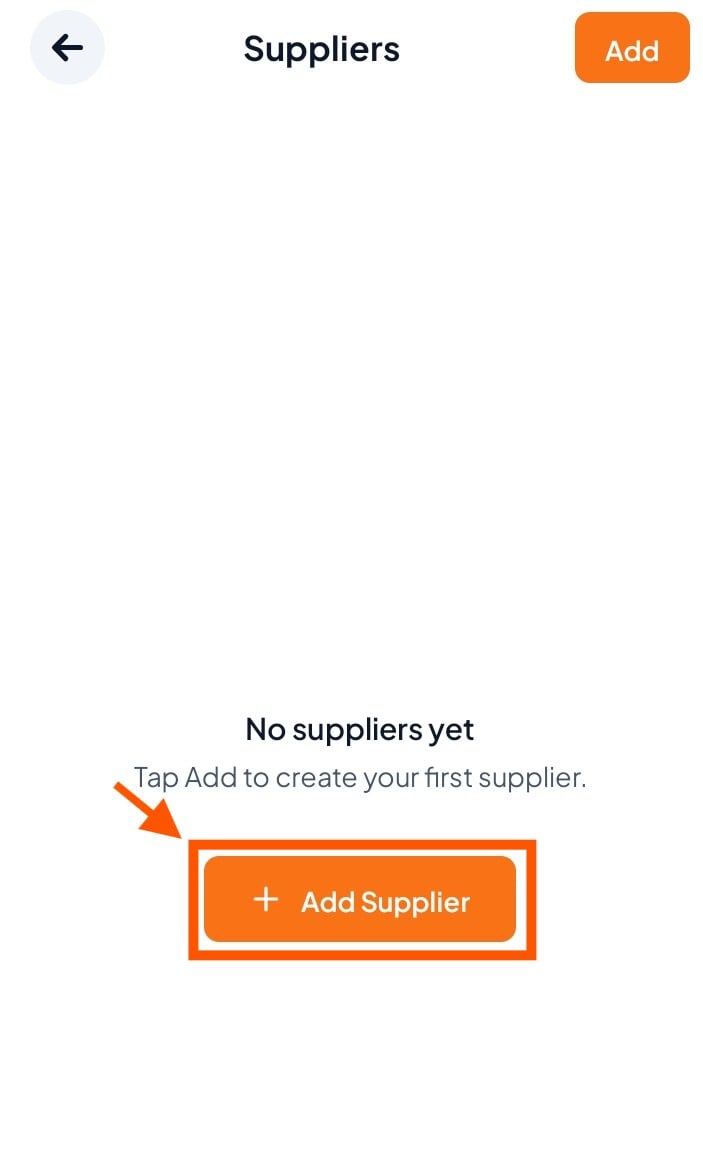
Step 3: Click "Add Supplier"
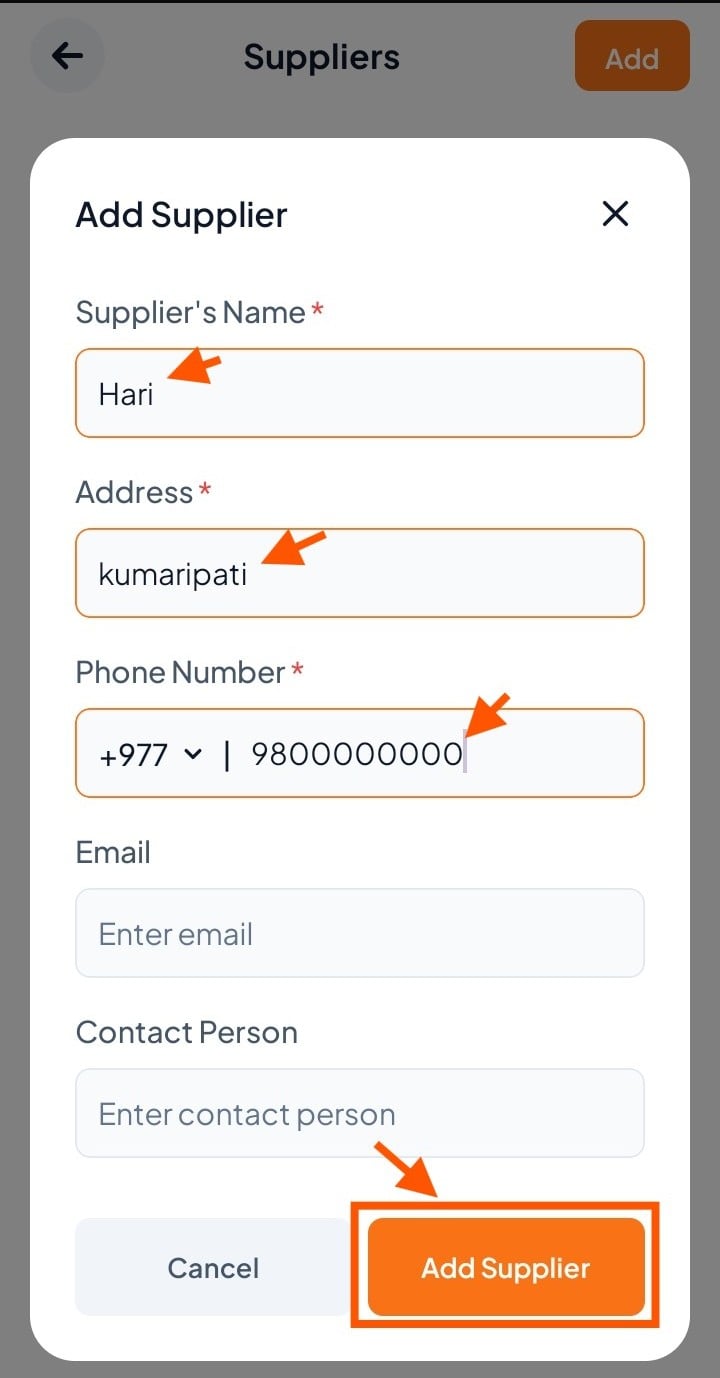
Step 4: Fill in the supplier details and click "Add Supplier"
Supplier's Name (e.g., Hari)
Address (e.g., Kumaripati, Lalitpur)
Phone Number (e.g., +977 9800000000)
Enter Email (optional)
Contact Person (optional)