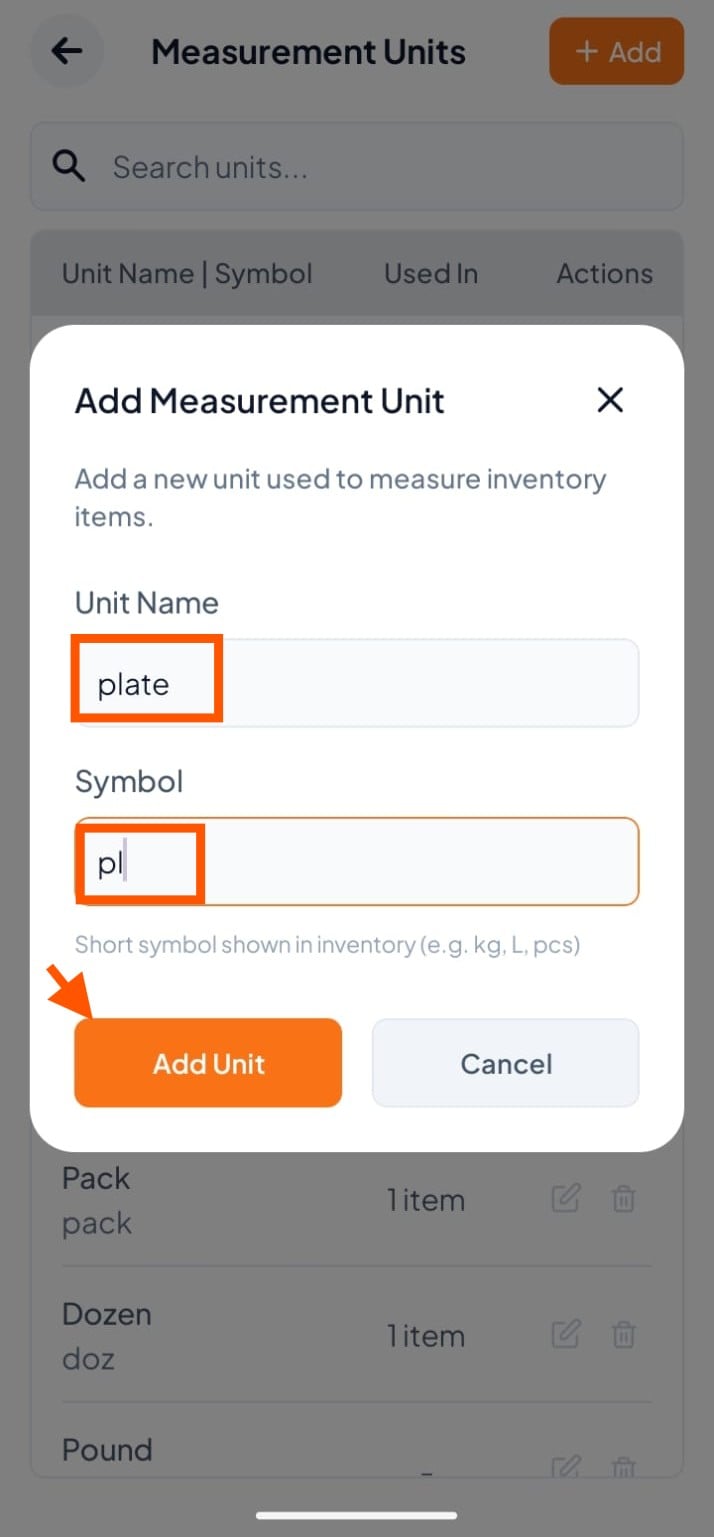
Step 1: Go to Inventory Settings
Click More at the bottom, Then select "Inventory Management"
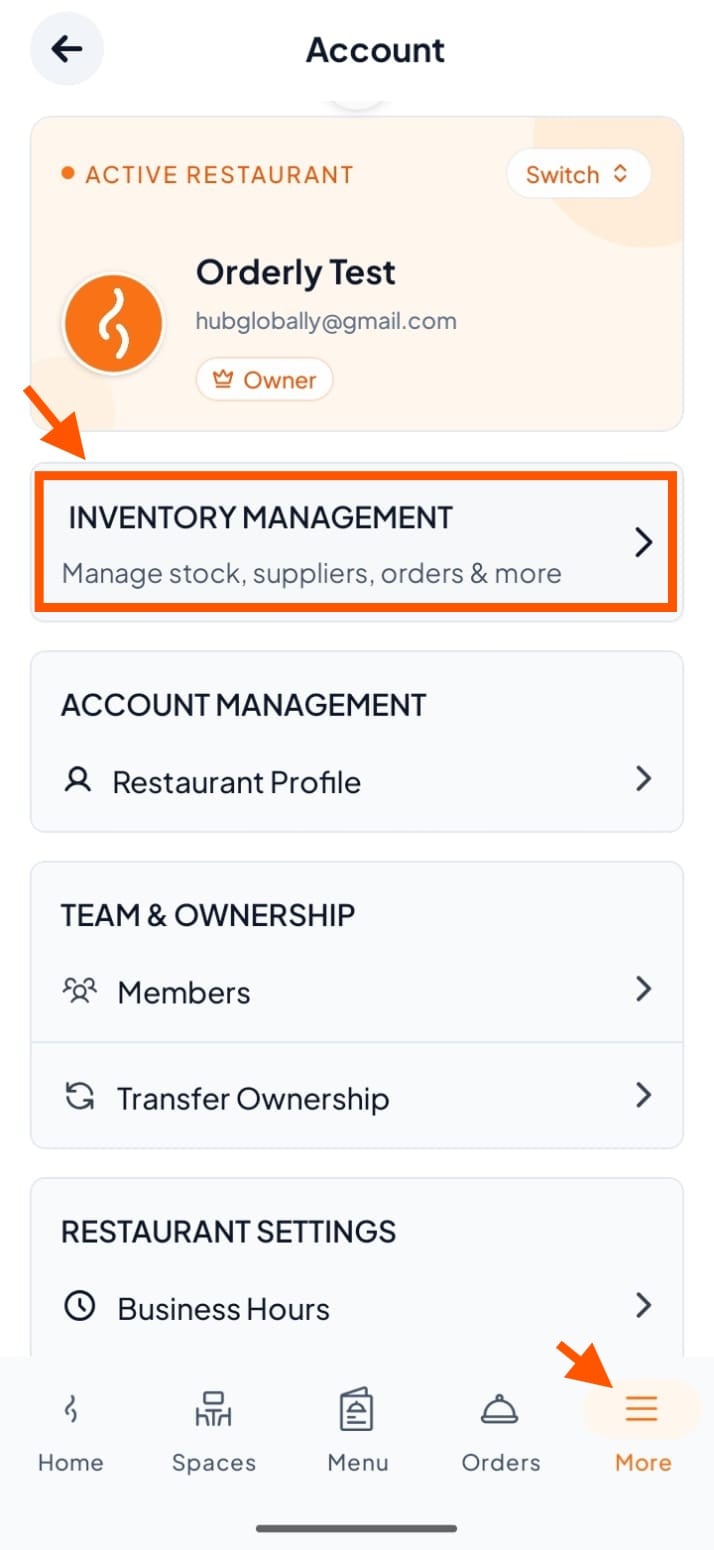
Step 2: Click "Settings"
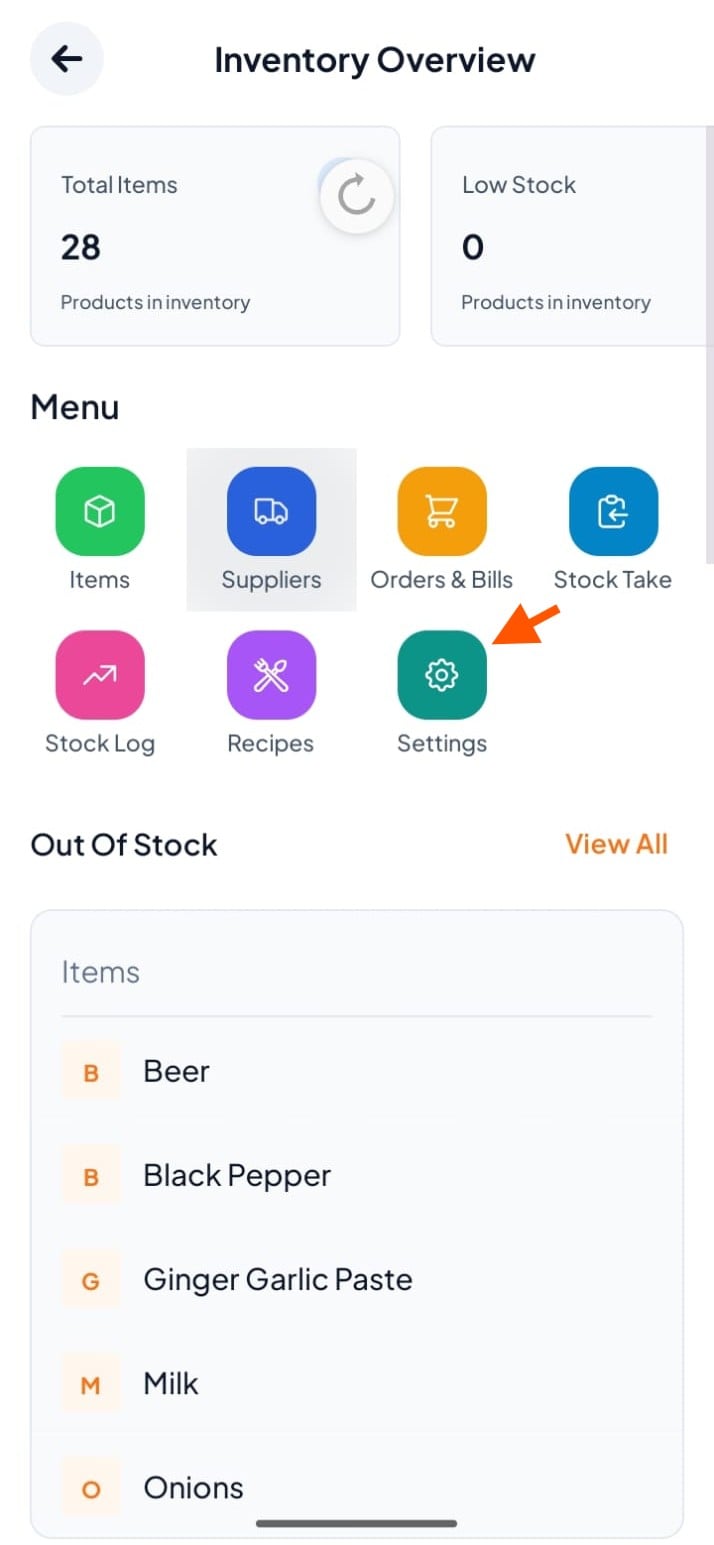
Step 3: Click Add (+)
In Measurement Units section, click the + Add button
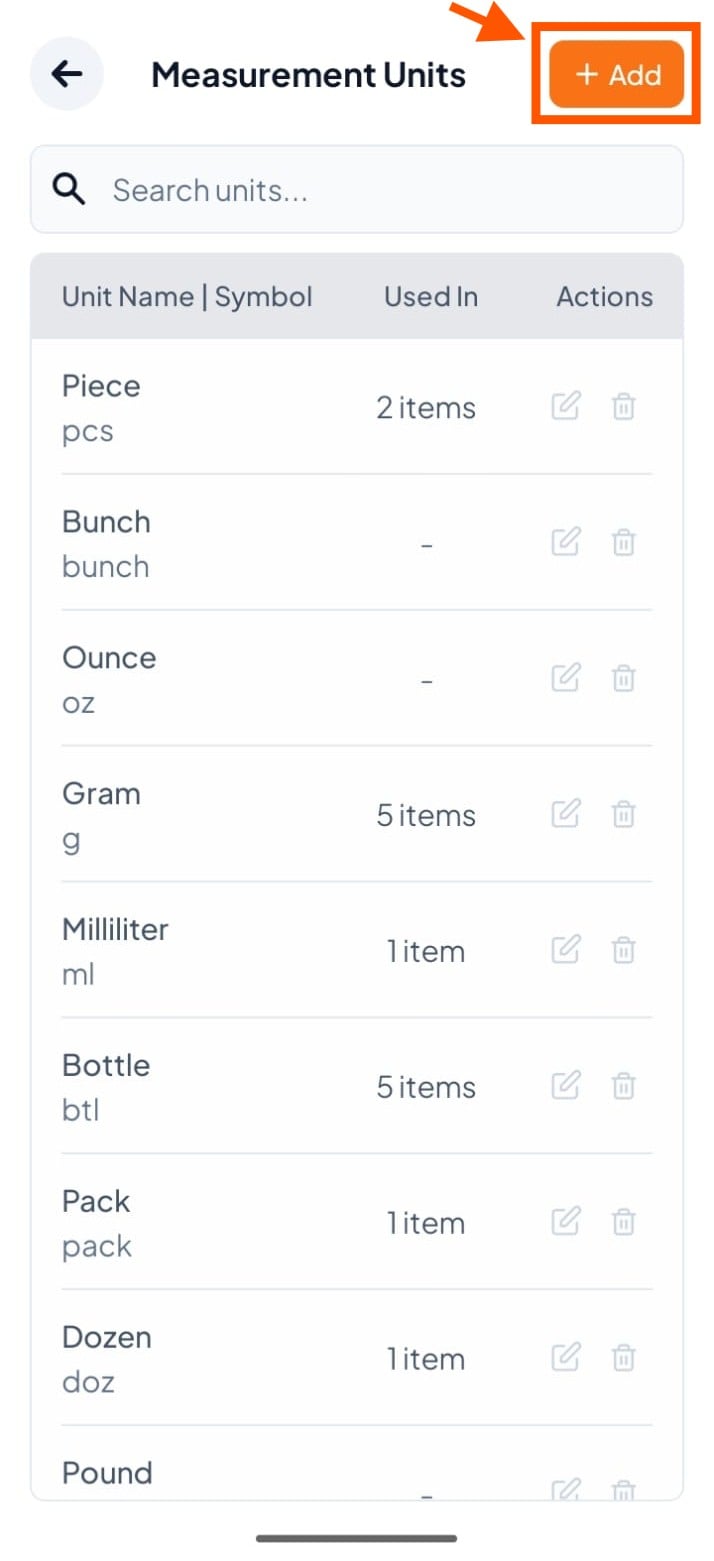
Step 4: Fill Unit Details
Enter Unit Name (e.g., Plate)
Enter Symbol (e.g., pl) – this is the short form shown in inventory
Then, Click "Add Unit"