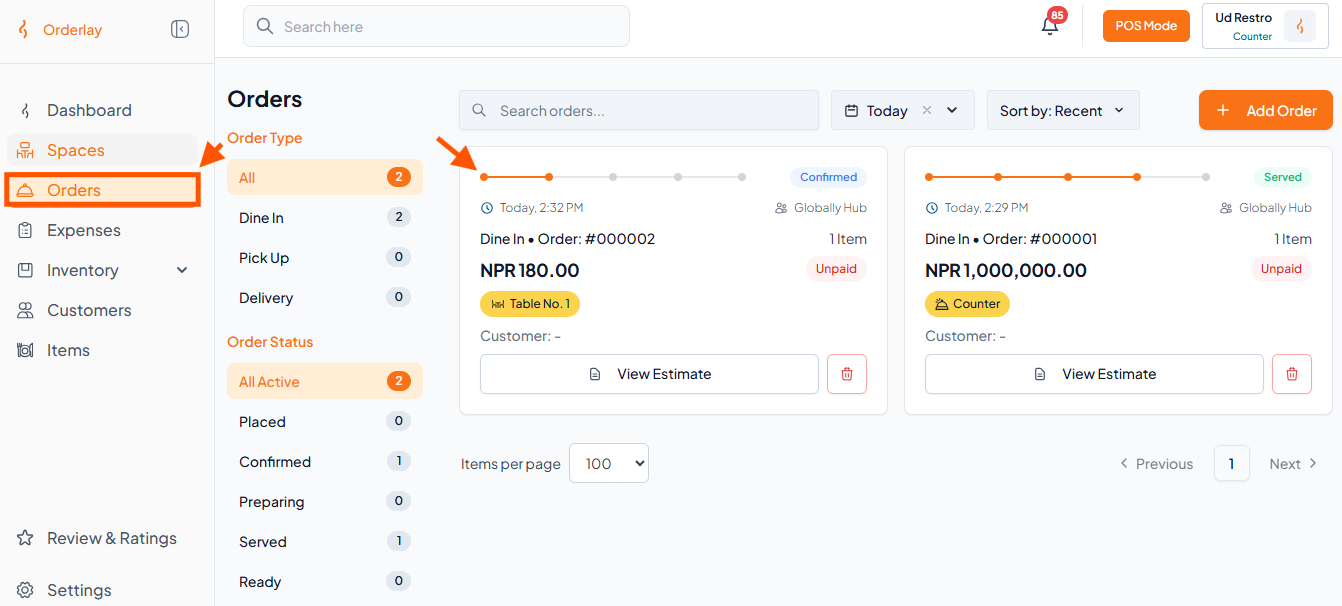
Step 1: Under Orders, click any order you want to reprint.
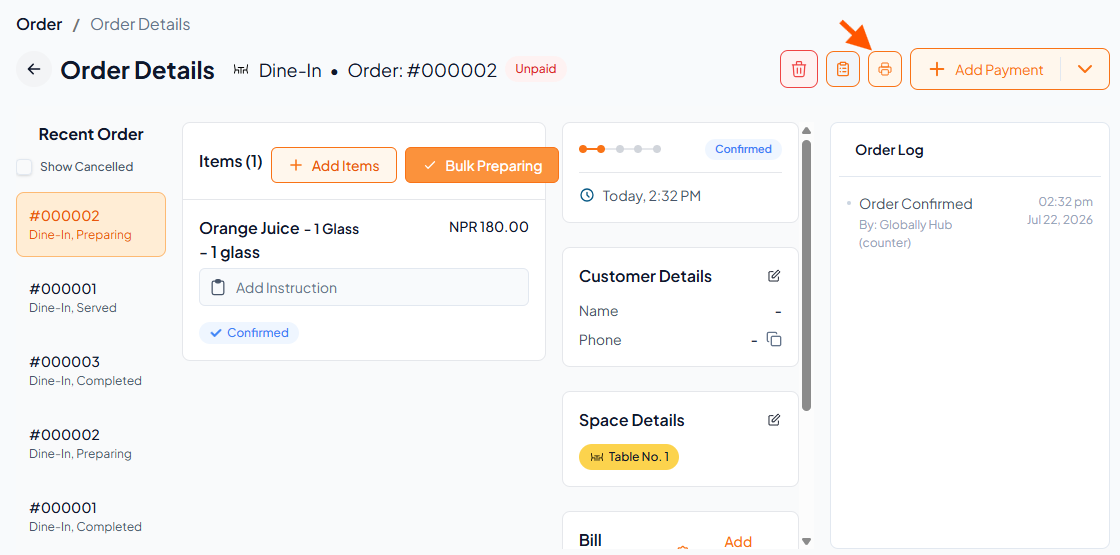
Step 2: Tap the Printer Logo icon.
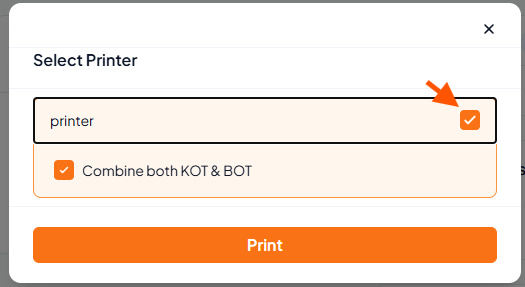
Step 3: Select KOT/BOT and Print
Pop-up appears
BOT – Bar Order Ticket
KOT – Kitchen Order Ticket
Tick the box(es) for printer(s) needed.
Tap "Print" to reprint.