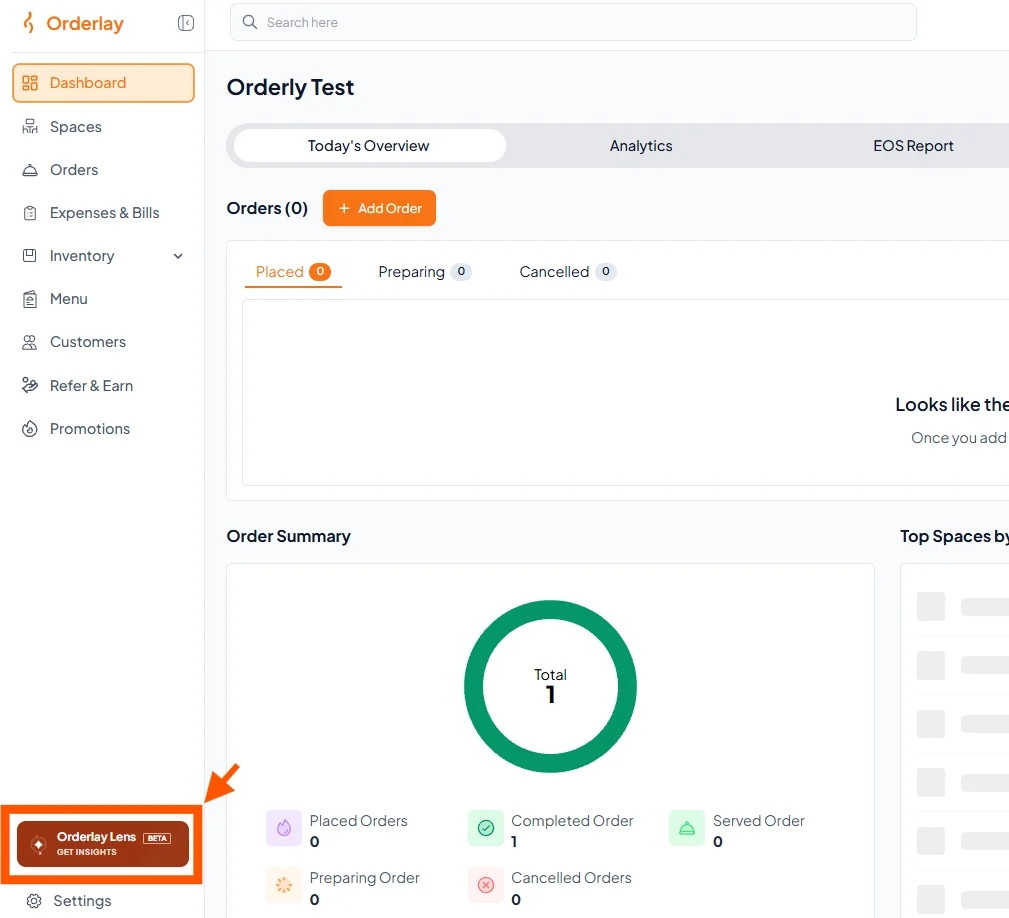
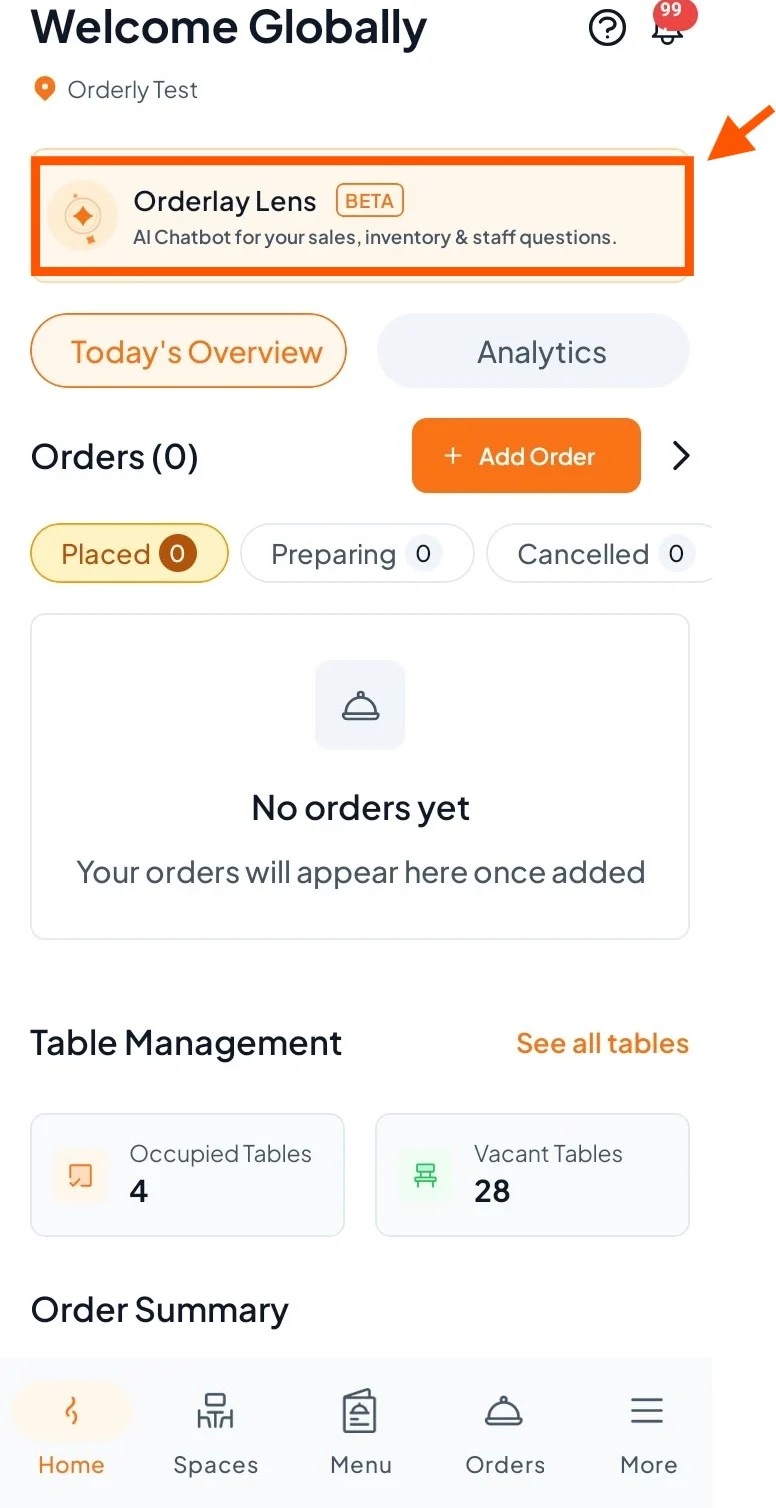
Step 1: On your dashboard, click "Orderlay Lens".
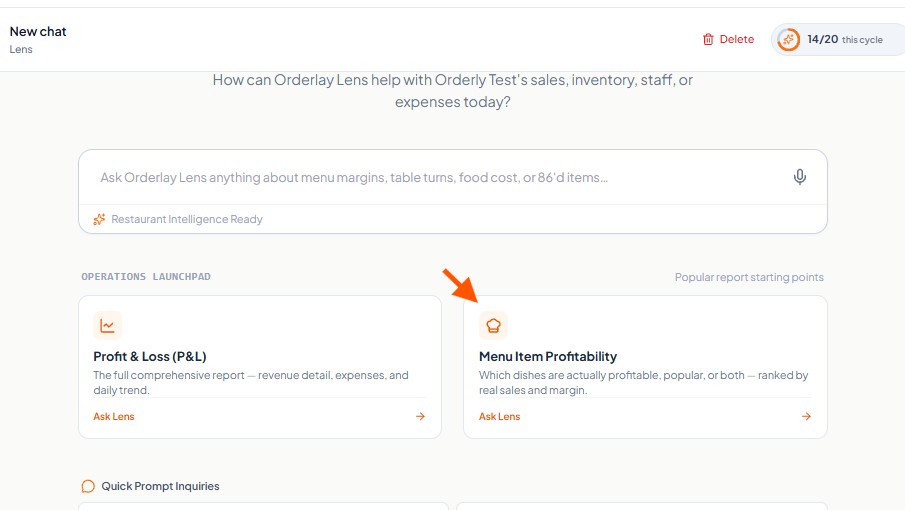
Step 2: On the Lens home screen, find the "Operations Launchpad" section.
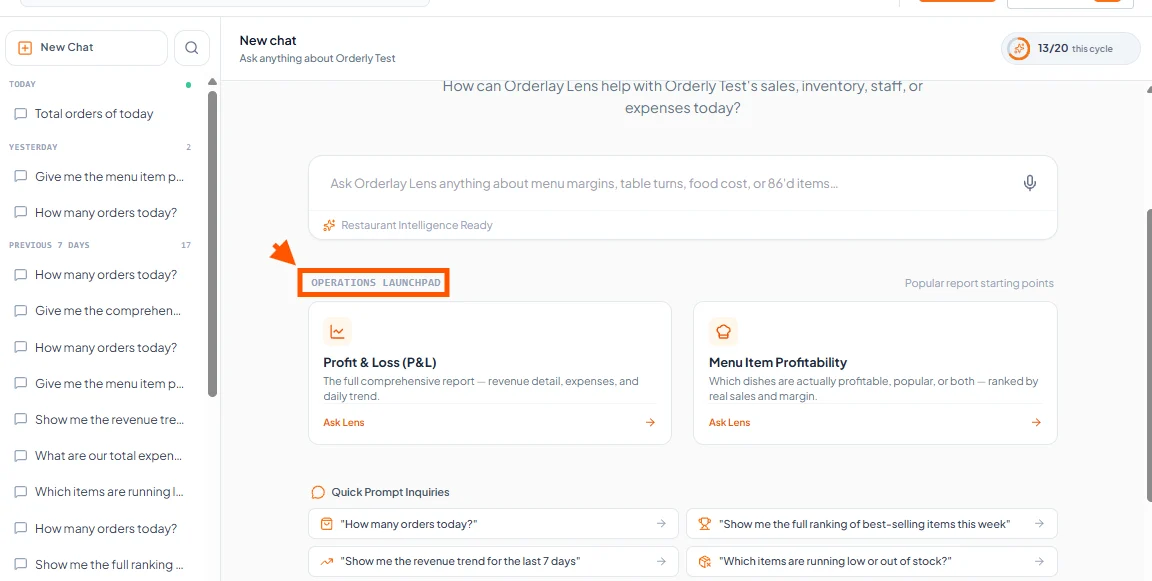
Step 3: Click the "Menu Item Profitability" card

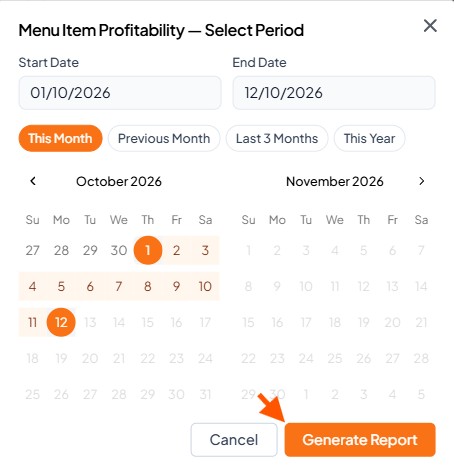
Step 4: Select the date range and click "Generate Report".
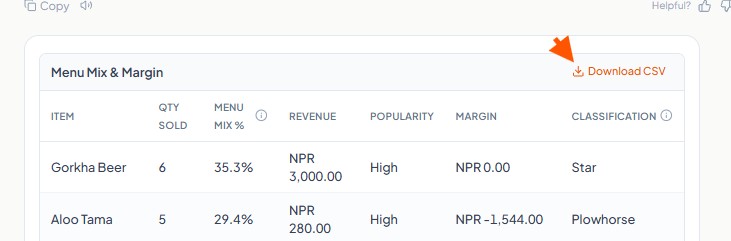
Step 5: View the AI-generated report and click "Download" if you want to save the report.