What You Need to Know First
You must create a table or room first, as the QR code is generated from these.
Click on this for Creating tables or Creating rooms.
Step-by-Step-Guide
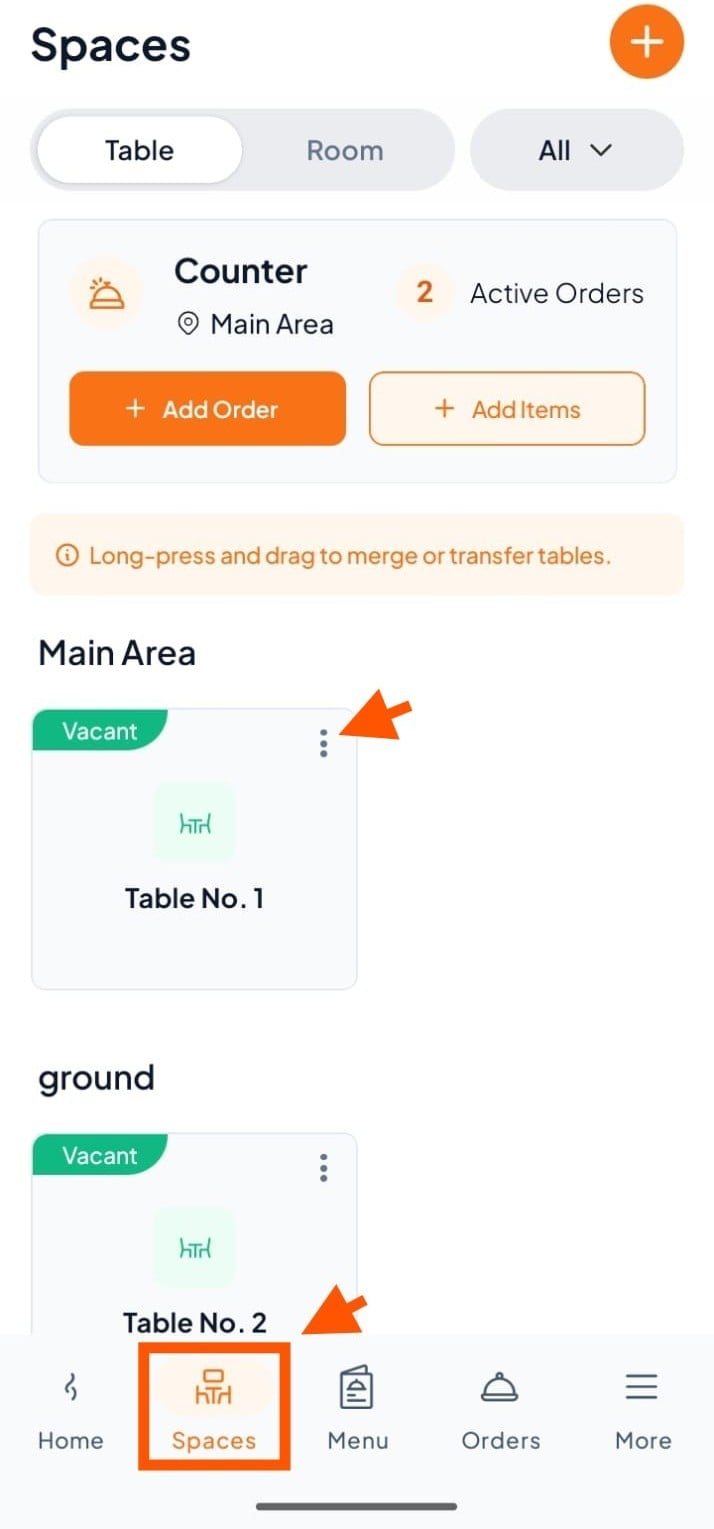
Step 1: In Spaces, click the three dots (⋮) of the table to view its QR code.
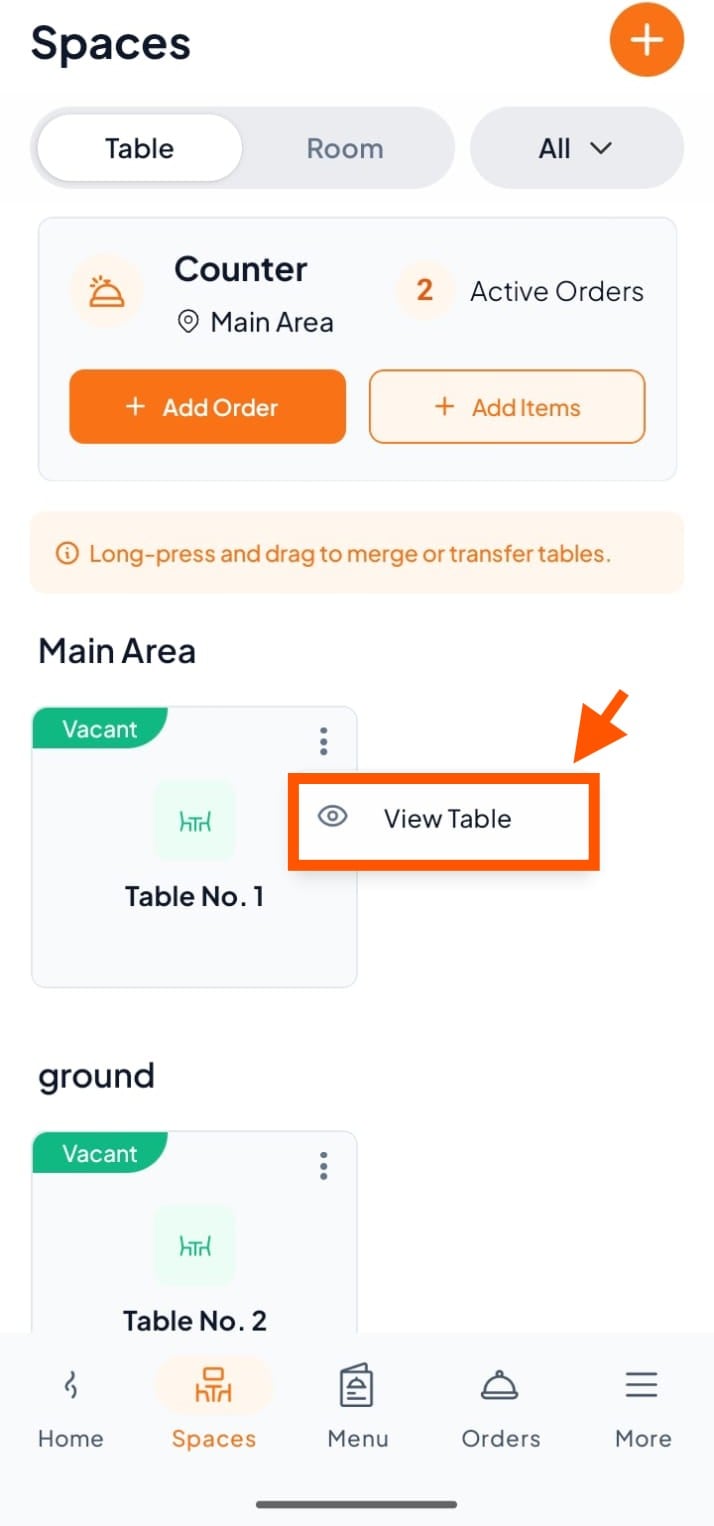
Step 2: Click "View Table"
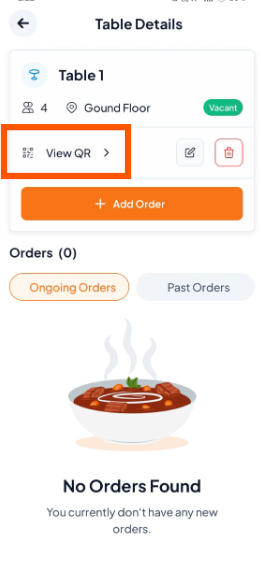
Step 3: Tap "View QR" to see the QR code for that table or room.
Step 4: Download and Print
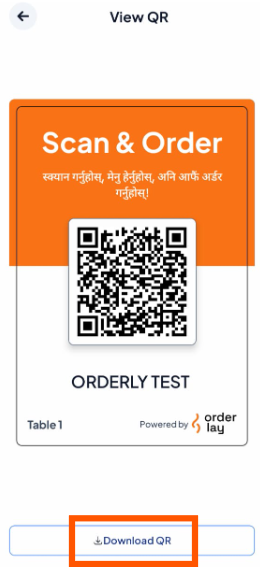
Tap "Download QR" to save the QR code.
For high-quality QR code standees or stickers, contact the Orderlay Support Team for professional printing.