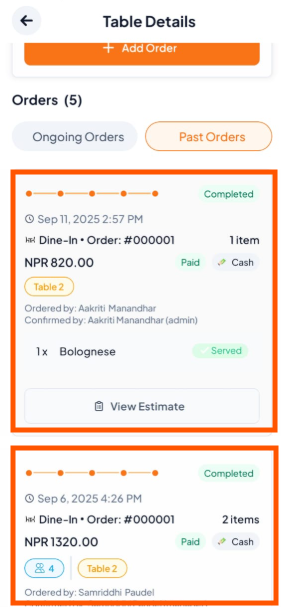
Step-By-Step Guide
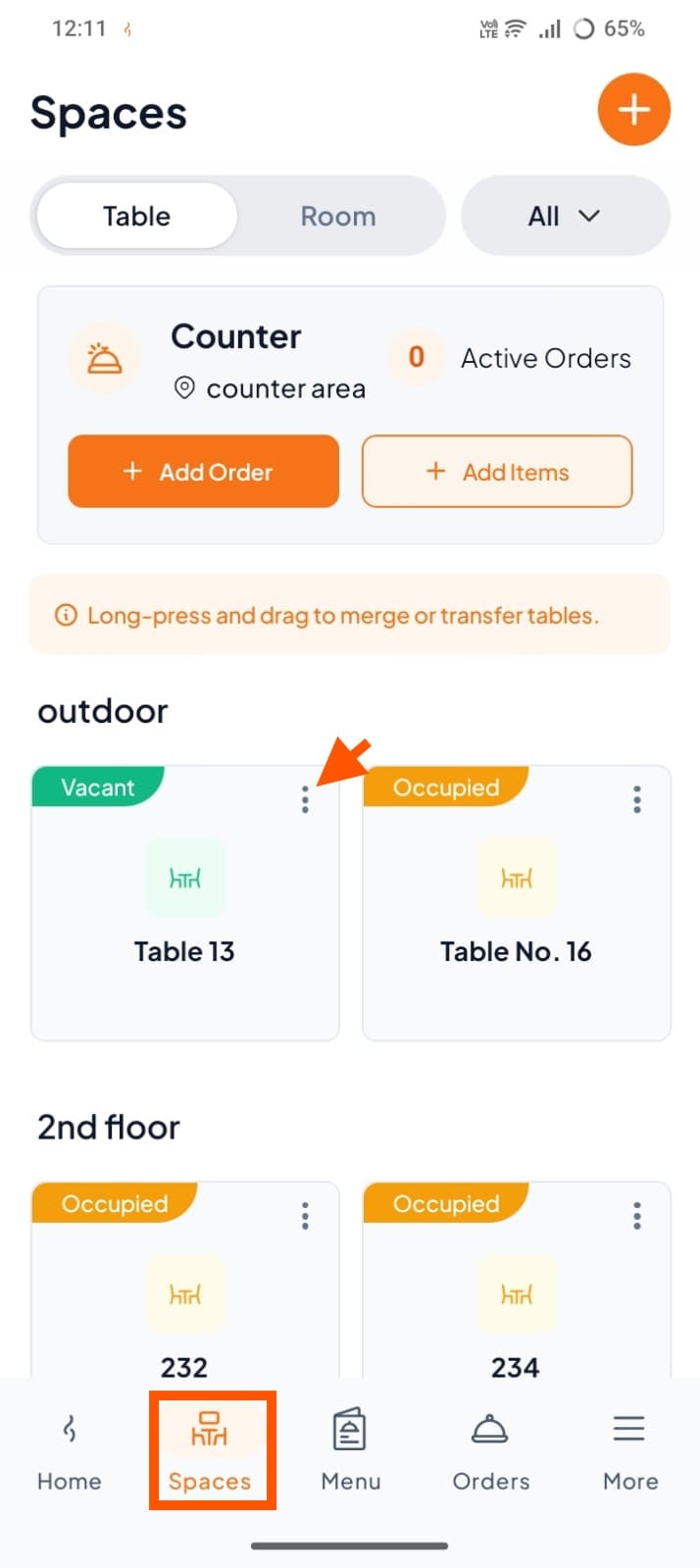
Step 1: Go to Spaces, click the three dots (⋮)
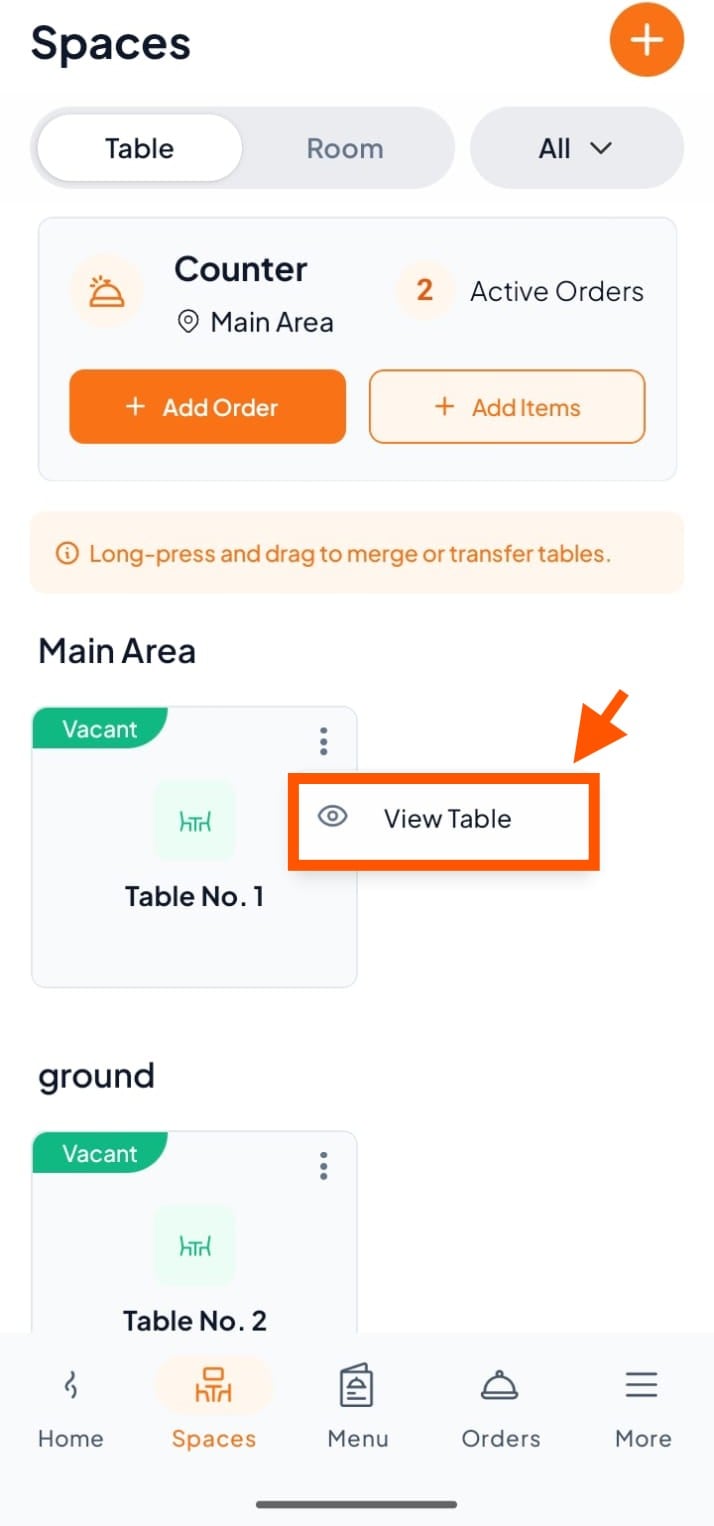
Step 2: Click "View Table"
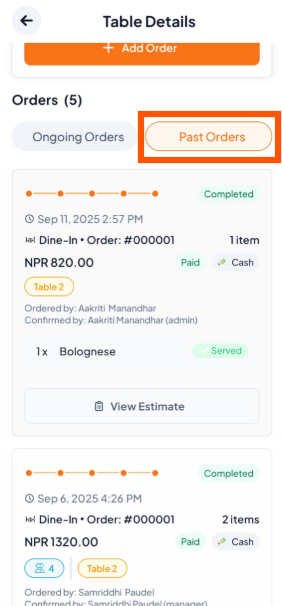
Step 3: Open Past Orders
In the Table/Room Details screen, tap the "Past Orders" tab under the Orders section.
Step 4: Review Past Orders
You’ll see a list of past orders with date, time, total price, and staff name. Scroll through to find a specific order.