Step-By-Step-Guide
Step 1: Go to "Most Popular Items"
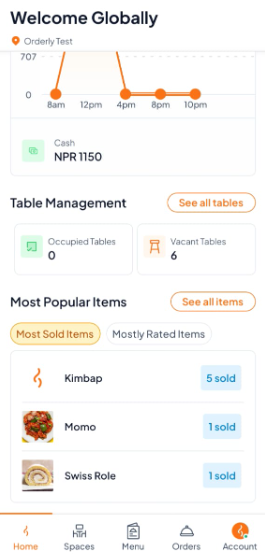
On the Home screen, scroll down to the "Most Popular Items" section to view your top-selling dishes.
Step 2: View Best-Sellers List
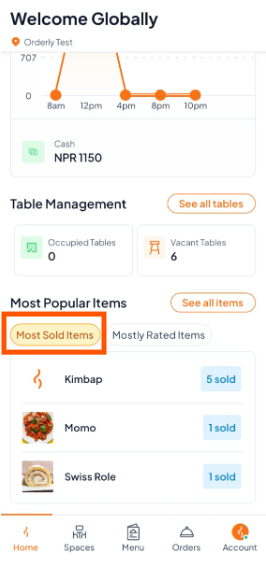
Check the "Most Sold Items" list to see which dishes are ordered the most.
The number beside each item shows how many times it has been sold.
Step 3: See Sales Trends
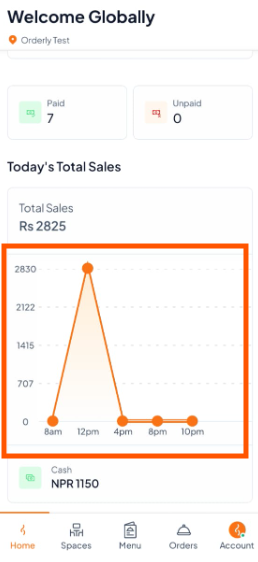
View a sales chart showing performance throughout the day (e.g., 8 AM, 12 PM, etc.), helping you understand peak hours and popular times for orders.