

Before verifying, make sure you’ve already Created your personal Orderlay Account using your email or phone number.
Step-By-Step-Guide
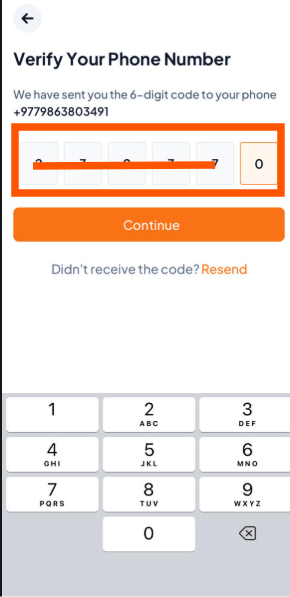
Step 1: Enter the Verification Code
After you tap "Create Account", Orderlay will send a 6-digit verification code to your phone number or email. Enter the code in the app.
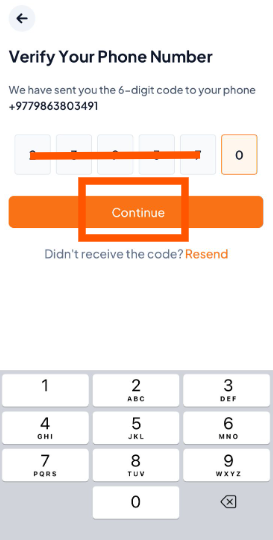
Step 2: Once you enter the code, tap "Continue" to confirm your phone number or email.
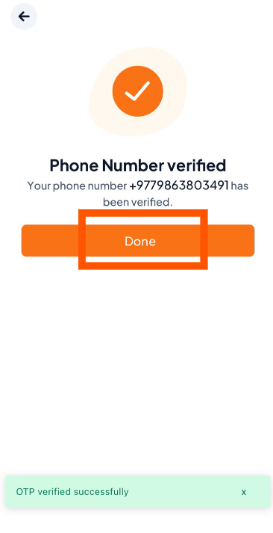
Step 3: Verification Successful
If the code is correct, you’ll see a message saying your OTP is verified. Just tap "Done" to finish.
Ready to continue? Now that your personal account is verified, click Create your Restaurant Account to begin setting up your business on Orderlay.