Step 1: Check the Ownership Invitation
Open the Orderlay App, you will see an invitation to become the new owner.
If it’s not visible, pull down to refresh.
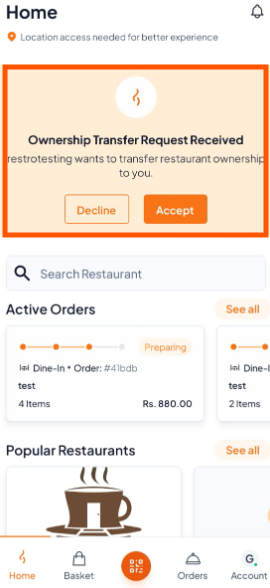
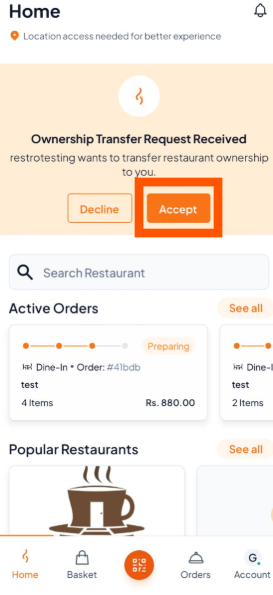
Step 2: Tap "Accept" to become the new owner.
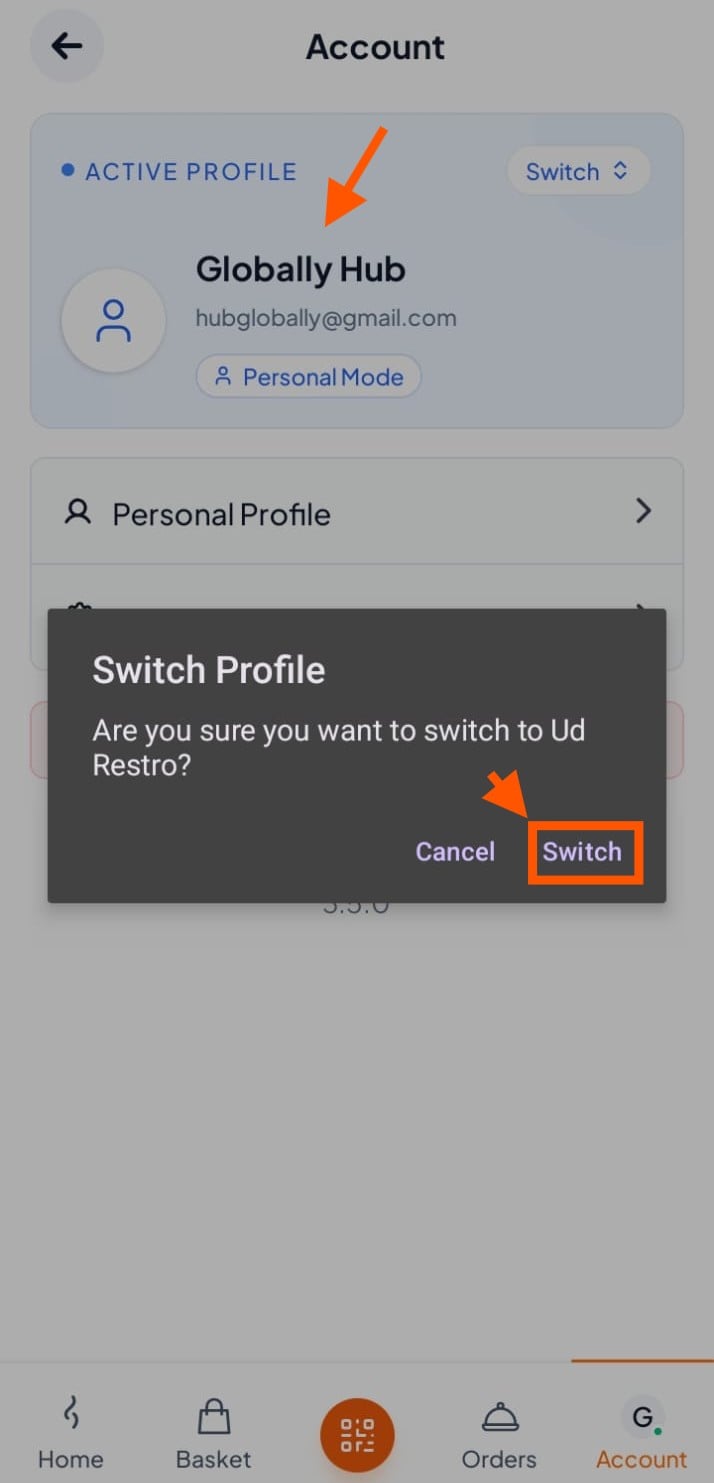
Step 3: Switch to the Restaurant Account
Go to Account, Click on Personal Mode
Tap "Switch" to go to restaurant side.
You’re Done!
You are now the official owner of the restaurant account.
Once accepted, the previous owner will permanently lose access.
