
Step-by-Step-Guide

Only Restaurant Owners can delete a restaurant account.
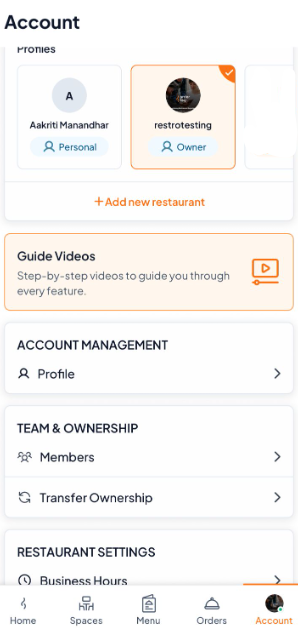
Step 1: Switch to the restaurant account you wish to delete.
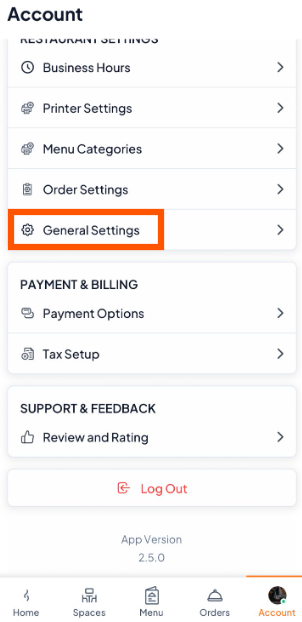
Step 2: Scroll and Tap on "General Settings"
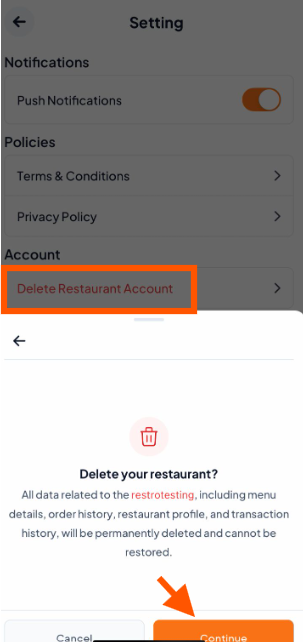
Step 3: Tap "Delete Restaurant Account" and confirm by tapping "Continue".
Step 4: Enter the OTP sent to your verified email or phone and tap "Continue".

A success message confirming the restaurant account deletion will appear, and you will be redirected to your personal account's Home screen.

We’d love to know why you’re deleting your account. You can reach out to our support team anytime-they’re ready to listen.
