Step-by-Step Guide
Step 1: Open QR Upload Section
In the Orderlay app, go to More → Payment & Billing → Payment Options.
Step 2: Turn On and Upload QR
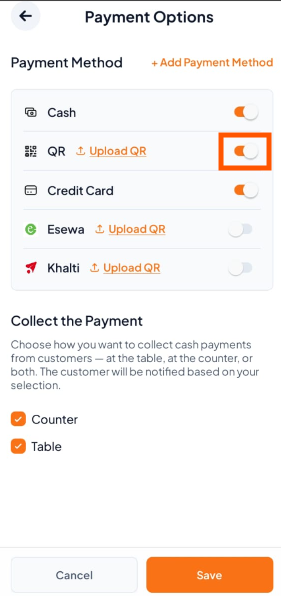
Turn ON the switch next to Digital Wallets. For Example: QR
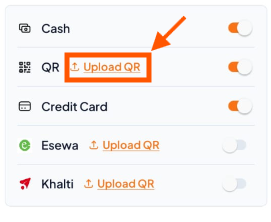
Tap Upload QR and choose your QR code image.
3. Tap Save
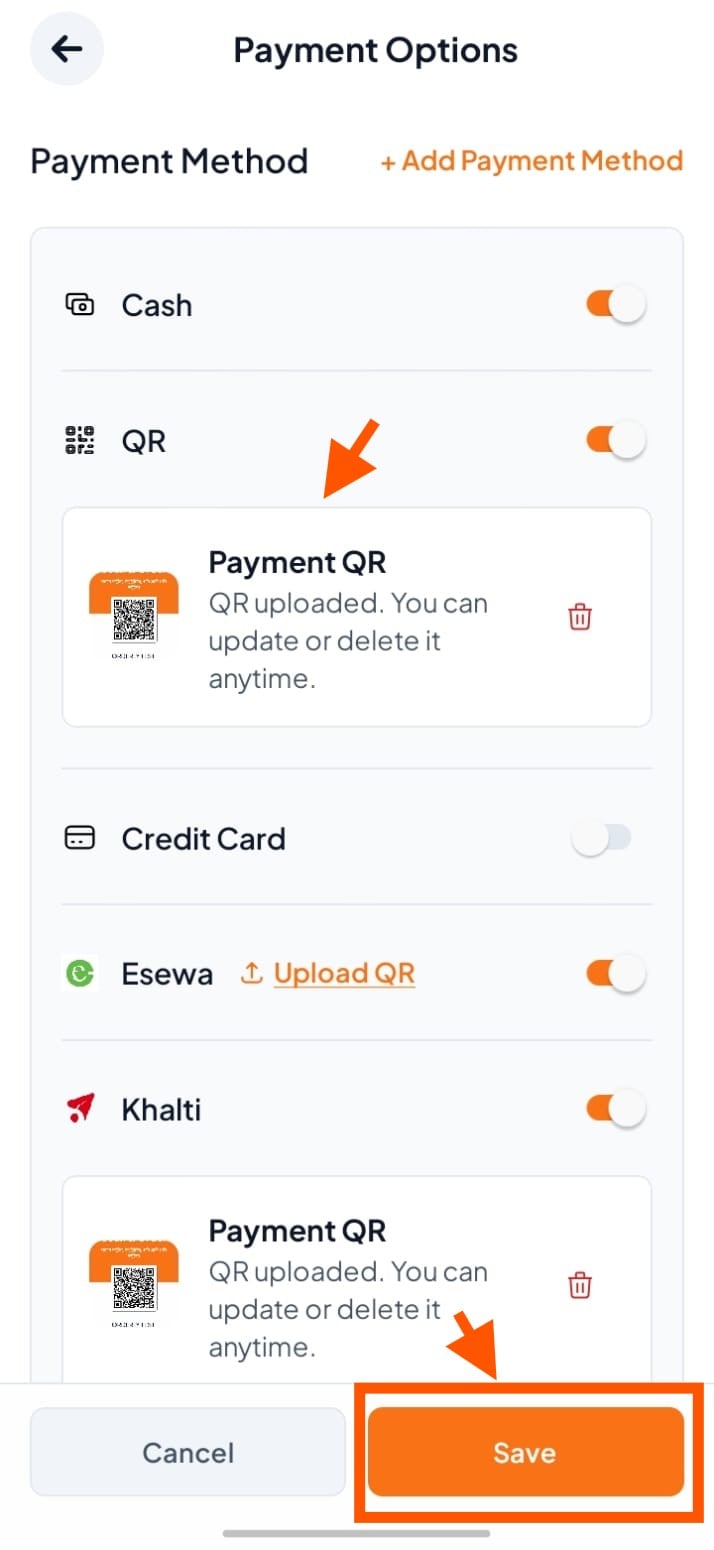
Scroll down and tap "Save" to activate QR payments.