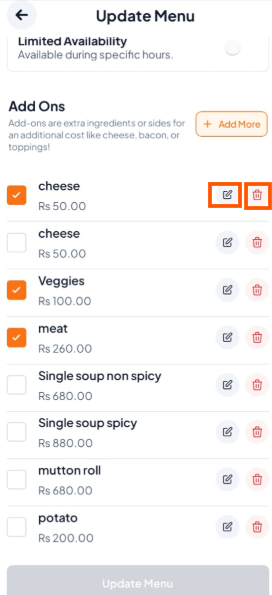
Step-Guide-Step-Guide
Step 1: Open the menu item
Go to the menu and tap the item that has extras (for example: Pasta Arrabiata).
Tap "Edit".

Step 2: Scroll down until you see the Add Ons section.
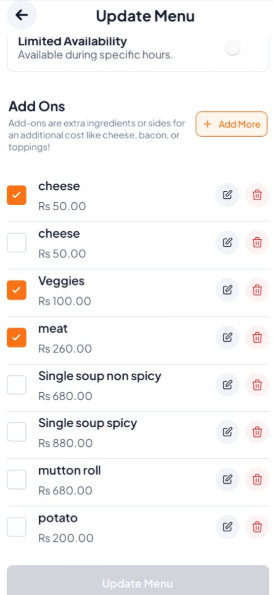
Step 3: Edit or Delete the Add-on
To Edit: Tap Edit, make your changes (name, price) then tap "Update add on".
To Delete: Simply Tap the "Delete" button.